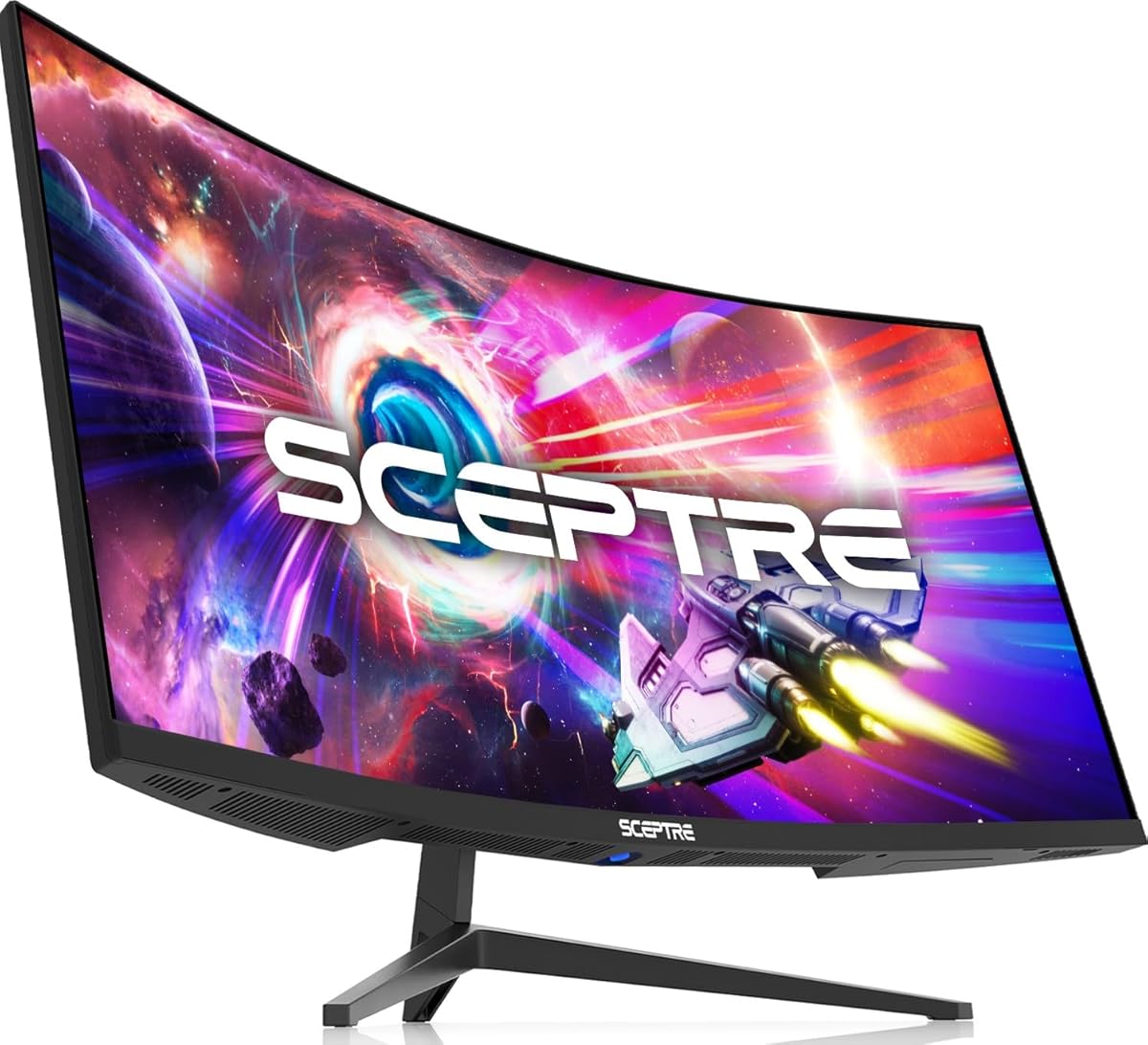
Sceptre C345B-QUT168
4.2Editor score
180Hz Refresh Rate
1ms Response Time
1500R Curvature
A 34 inch curved ultrawide monitor transforms your workspace by offering expansive screen real estate. It enhances multitasking and immersion for both work and entertainment needs.
We evaluated ten leading models based on resolution, refresh rate, color accuracy, and connectivity features. Our analysis highlights performance strengths and ergonomic designs for various budgets.
Each pick showcases specific benefits like USB-C docking or high refresh rates. Prices fluctuate frequently so verify current listings before making your final purchase decision.
4.2Editor score

4.6Editor score
4.4Editor score
As an Amazon Associate we earn from qualifying purchases.
The following table provides a side-by-side comparison of key specifications across all ten selected models to help you identify the best fit.


The LG 34WR55QK-B stands out as a top choice for general productivity and casual gaming. Its 34-inch curved screen offers an immersive workspace while maintaining sharp WQHD clarity.
We may earn a commission when you buy through this link, at no additional cost to you.
Features like USB-C connectivity with 65W power delivery simplify cable management. The OnScreen Control software enhances multitasking by allowing easy window management.
While the 5ms response time may not suit competitive gaming, it is sufficient for most users. The stand offers tilt and height adjustments for comfort.
This monitor is ideal for professionals needing a reliable, feature-rich display without breaking the bank. We recommend it for office and creative workflows.
USB-C allows single cable connection for video and charging laptops efficiently.
HDR10 and high sRGB coverage deliver vibrant and accurate colors.
We may earn a commission when you buy through this link, at no additional cost to you.
The Sceptre C345B-QUT168 delivers exceptional performance for the price. Its 180Hz refresh rate and 1ms response time make it a strong contender for gamers.
We may earn a commission when you buy through this link, at no additional cost to you.
The curved design and WQHD resolution provide a cinematic feel. Integrated speakers reduce clutter by removing the need for external audio devices.
Build quality may feel less premium than higher-end models. Stand adjustments are limited to tilt which might affect ergonomics.
This model is perfect for budget-conscious buyers who prioritize speed and screen size. It offers a compelling entry point into ultrawide gaming.
180Hz refresh rate ensures smooth motion in fast-paced games.
Backcover lights add a modern aesthetic touch to the setup.
We may earn a commission when you buy through this link, at no additional cost to you.
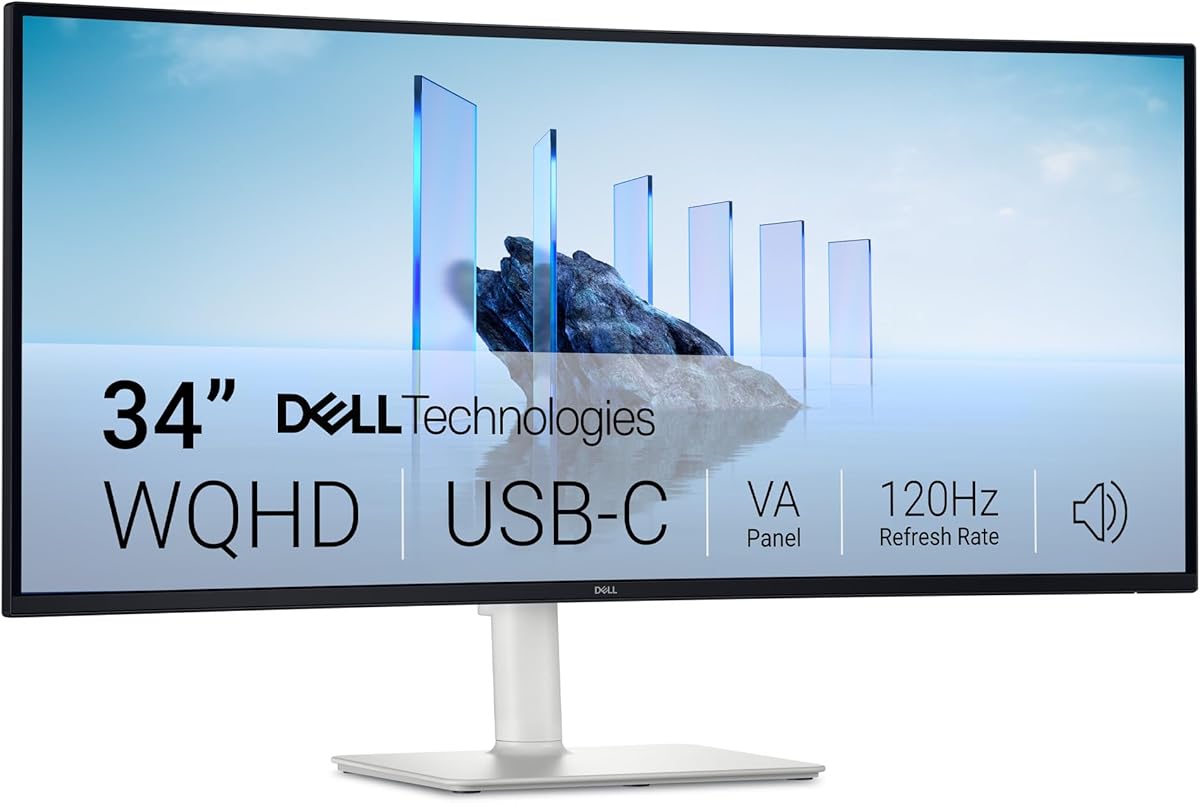
The Dell S3425DW combines high-end features with premium build quality. Its VA panel offers deep blacks and vibrant colors suitable for creative work.
We may earn a commission when you buy through this link, at no additional cost to you.
ComfortView Plus reduces blue light without compromising color accuracy. The re-engineered sound system provides surprisingly detailed audio output.
Users should note potential black smearing typical of VA panels. The cost is higher than competitors but justified by its feature set.
This monitor is tailored for professionals valuing eye comfort and color fidelity. It represents a top choice for serious workstation users.
Reduced blue light ensures comfort during long work sessions.
Enhanced speakers deliver clear sound for calls and media.
We may earn a commission when you buy through this link, at no additional cost to you.
Samsung Viewfinity S65UA offers deep 1000R curvature for true immersion. This design wraps around your field of view comfortably.
We may earn a commission when you buy through this link, at no additional cost to you.
The USB-C port provides 90W charging suitable for powerful laptops. Intelligent eye care automatically adjusts brightness and color temperature.
Refresh rate is capped at 100Hz which is less ideal for gaming. The premium price reflects its focus on comfort and connectivity.
Buyers looking for maximum eye comfort and cable management should consider this. It excels in professional office environments.
1000R matches human eye arc for reduced strain.
Auto adjustments optimize viewing comfort throughout the day.
We may earn a commission when you buy through this link, at no additional cost to you.
The LG 34U650A-B uses an IPS panel for consistent colors at wide angles. It is excellent for collaborative work and design tasks.
We may earn a commission when you buy through this link, at no additional cost to you.
USB-C delivers up to 96W power making it great for laptops. The Switch app facilitates multitasking with customizable layouts.
IPS technology may show lower contrast than VA panels. The stand saves desk space but lacks advanced ergonomics.
Choose this for accurate colors and powerful laptop charging. It suits graphic designers and creative professionals well.
Consistent colors from any angle ensure visual accuracy.
Switch app helps organize windows for efficient workflows.
We may earn a commission when you buy through this link, at no additional cost to you.
Sceptre C345B-QU240T pushes boundaries with a 240Hz refresh rate. This speed delivers incredibly fluid motion for competitive gamers.
We may earn a commission when you buy through this link, at no additional cost to you.
1ms response time minimizes blur and ghosting during action. It includes built-in speakers and Blue-Light Shift for eye comfort.
Adjustable stand options are limited compared to higher end models. The design focuses heavily on performance rather than ergonomics.
This is the pick for competitive shooters needing speed. Gamers with limited budgets will find it highly rewarding.
240Hz refresh gives clear advantage in fast games.
1ms response ensures crisp imagery without blur.
We may earn a commission when you buy through this link, at no additional cost to you.
The MSI PRO MP341CQ E12 offers solid performance with VESA mount support. This flexibility allows easy integration with monitor arms.
We may earn a commission when you buy through this link, at no additional cost to you.
Eye care certifications and firmware updates ensure long term reliability. Adaptive sync keeps visuals smooth for gaming or work.
The stand is simple and may not suit all desk setups. Materials feel standard for the price range.
Choose this for office setups needing mount flexibility. It balances cost and features effectively.
VESA compatibility frees up desk space easily.
Firmware updates keep performance optimized over time.
We may earn a commission when you buy through this link, at no additional cost to you.
LG 34U60ZB-B features Black Stabilizer technology for better visibility. This helps spot details in dark game scenes.
We may earn a commission when you buy through this link, at no additional cost to you.
The Switch app allows quick layout changes and call launching. HDR10 adds depth to supported content.
The curvature is 1800R which is subtler than others. Stand ergonomics are minimal but functional.
Ideal for gamers needing dark scene clarity. It offers solid features at a moderate price.
Black Stabilizer brightens shadows for better visibility.
Switch app simplifies window management significantly.
We may earn a commission when you buy through this link, at no additional cost to you.
Alienware AW3425DWM delivers stunning visuals with DCI-P3 coverage. Its fast response time ensures smooth gameplay.
We may earn a commission when you buy through this link, at no additional cost to you.
Console mode and low blue light features extend comfortable play sessions. The build quality reflects its premium positioning.
It lacks advanced connectivity like USB-C docking which limits desk tidiness. The cost is high for general users.
Gamers seeking high fidelity should invest in this. It stands out for visual excellence.
95% DCI-P3 delivers vibrant and deep colors.
Dedicated mode optimizes settings for console gaming.
We may earn a commission when you buy through this link, at no additional cost to you.
Samsung ViewFinity S5 offers a balanced mix of productivity and gaming. Its 120Hz refresh rate and 1800R curve suit both needs.
We may earn a commission when you buy through this link, at no additional cost to you.
HDR10 optimization provides deep blacks and bright highlights. Eye Saver Mode ensures reduced strain during work.
Connectivity is minimal with HDMI and DP only. Stand adjustability is basic but sufficient.
Choose this for a solid all-rounder. It handles daily tasks with style.
Curvature and speed make it versatile for many users.
HDR10 enhances contrast for better viewing.
We may earn a commission when you buy through this link, at no additional cost to you.
Selecting the right monitor involves evaluating several critical factors to match your workflow and budget.
Panel type determines color accuracy and contrast. IPS panels offer wide viewing angles and consistent colors ideal for creative work. VA panels provide deeper blacks which enhance gaming immersion but may show black smearing.
Refresh rate affects motion smoothness. Higher refresh rates like 120Hz or 144Hz benefit fast paced gaming and scrolling. 60Hz is sufficient for basic productivity.
Response time measures pixel transition speed. Lower values like 1ms reduce motion blur in games. Higher values are acceptable for office tasks.
Connectivity ports ensure your devices can connect. USB-C allows single cable docking for laptops. HDMI and DisplayPort support external sources and consoles.
Ergonomic stands allow height and tilt adjustments. This flexibility reduces neck strain during long work sessions. Some models offer VESA mounts for custom setups.
Curvature enhances immersion by wrapping the screen. R values like 1000R or 1500R are deeply curved. 1800R offers a subtler effect for general viewing.
Eye care features reduce blue light and flicker. These settings help prevent fatigue during extended use. Look for certified technologies for safety.
Build quality impacts durability and aesthetics. Premium models use sturdier materials. Budget options may feel lighter but function well.
Place the monitor at eye level to maintain proper posture and reduce neck strain. Adjust brightness to match ambient lighting conditions.
Clean the screen with a microfiber cloth and distilled water to avoid streaks. Avoid harsh chemicals that could damage the coating.
Use the built-in software to manage windows and settings efficiently. Regular firmware updates keep the monitor running optimally.
Curved monitors reduce eye movement by keeping the center closer. This helps maintain focus on tasks. However, flat screens may be better for strict grid work.
Use a soft microfiber cloth to wipe gently. If needed dampen it slightly with distilled water. Never spray directly on the panel to avoid damage.
Yes many models support USB-C for video and charging. HDMI and DisplayPort also work for most modern laptops. Ensure your laptop supports high resolution output.
WQHD (3440 x 1440) is the standard. It offers sharpness without demanding high graphics power. 1080p would look pixelated on this size.
For general use most GPUs suffice. For gaming high refresh rates require powerful graphics cards. Check requirements before purchasing.
USB-C provides video, data, and charging in one cable. It reduces desk clutter significantly. Some models charge laptops at high wattage.
HDR improves contrast and brightness range. It enhances supported content quality. For basic office tasks it offers less practical benefit.
Most monitors have preset modes like Reader Mode. Adjust brightness and color temperature manually. Software tools may help automate settings.
The LG 34WR55QK-B offers the best overall balance of features. Budget buyers may prefer the Sceptre C345B-QUT168 for speed. Professionals can consider the Dell S3425DW for color.
Prioritize connectivity and ergonomics based on your workspace. High refresh rates matter most if you play competitive games.
Prices and stock change often so check current availability before purchasing. Verify specs match your specific needs to ensure satisfaction.