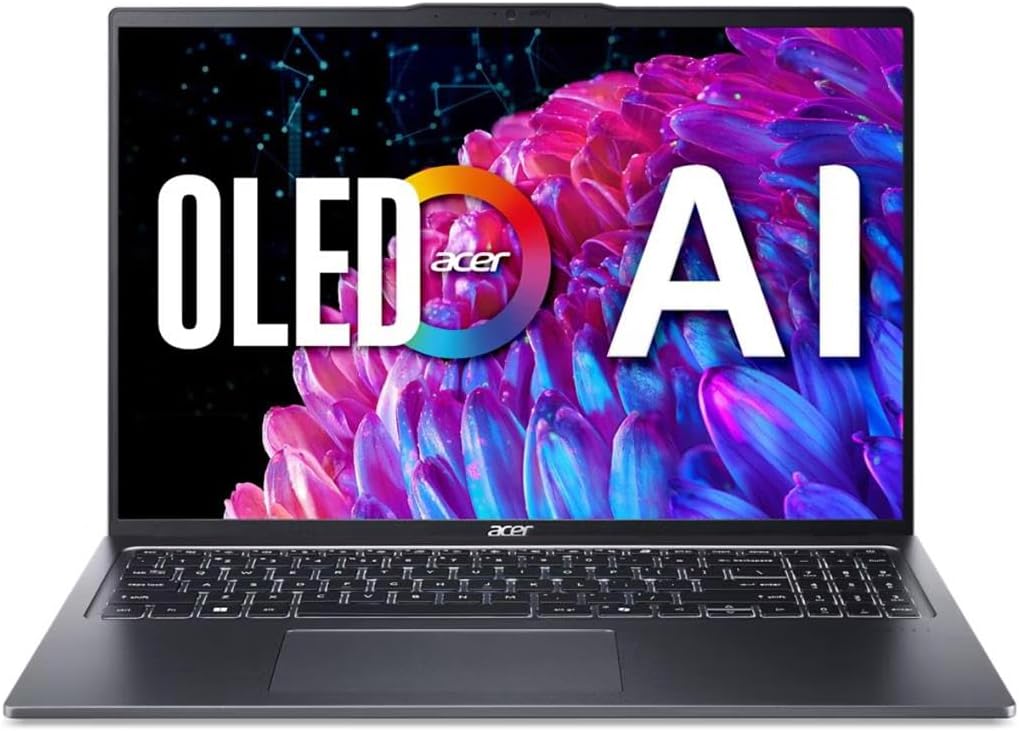
Acer Swift Go 16in OLED Laptop
4.1Editor score
Intel Core Ultra 5 125H
16-inch WQXGA+ OLED
100% DCI-P3 Color
OLED technology has transformed laptop displays by offering deep blacks, vibrant colors, and fast refresh rates. Whether you are a creative professional or a casual user, finding the right device ensures an immersive visual experience that standard panels simply cannot match.
This guide compares ten top-rated laptops featuring OLED screens, evaluating their processors, memory, and build quality. We analyze real-world performance, battery longevity, and connectivity options to provide a comprehensive overview of the current market landscape.
Each pick highlights specific strengths like gaming power, portability, or professional features. Prices and availability change frequently, so verify the latest details before purchasing to ensure you get the best value for your specific needs today.
4.1Editor score

4.0Editor score

5.0Editor score
As an Amazon Associate we earn from qualifying purchases.
This table provides a side-by-side look at all ten featured laptops, highlighting their key specifications and strengths to help you quickly identify the model that fits your workflow and budget requirements.


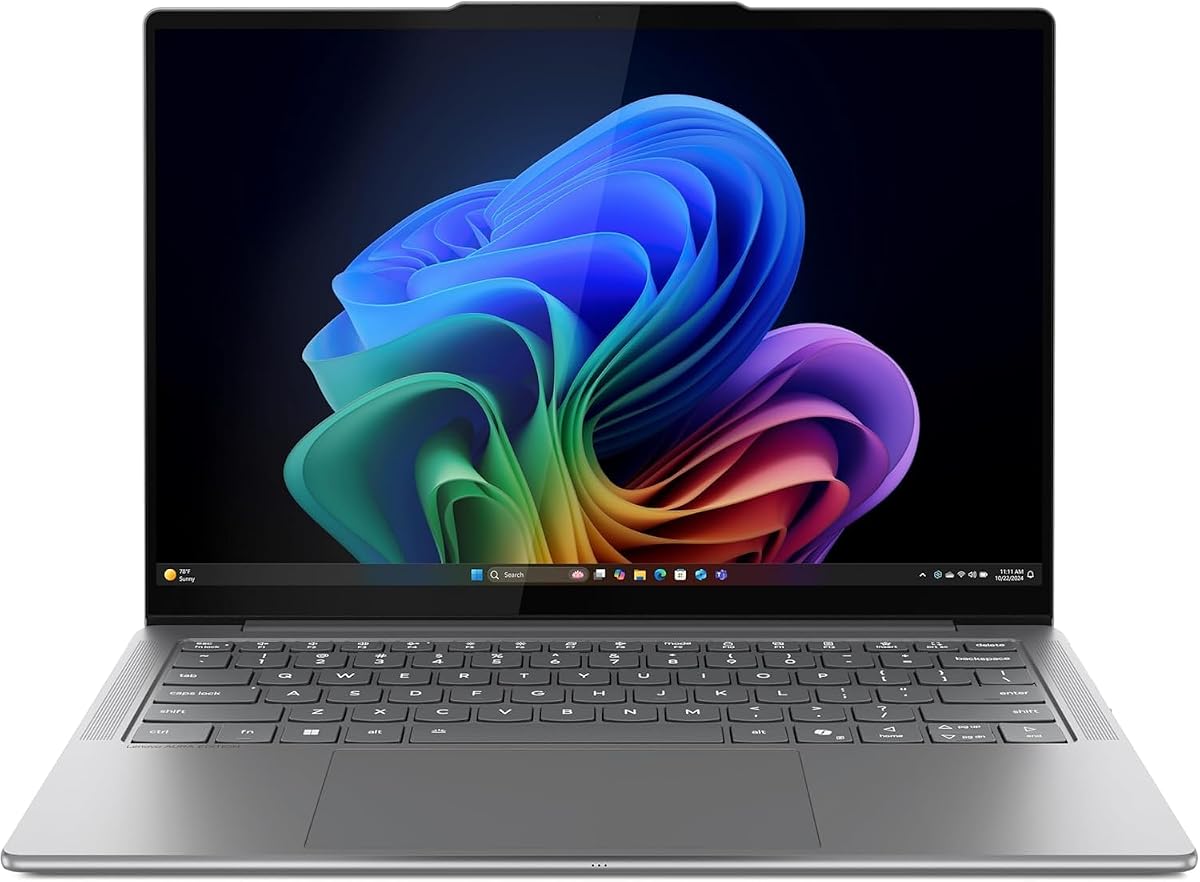
The Lenovo IdeaPad Pro 5 stands out as a top contender for professionals seeking a balance of power and portability. Its vivid 16-inch OLED panel delivers stunning visuals for creative work. The AMD Ryzen AI 7 processor ensures smooth multitasking across demanding applications.
We may earn a commission when you buy through this link, at no additional cost to you.
This laptop excels with its NVIDIA GeForce RTX 5050 GPU, which accelerates graphics rendering and video editing significantly. The inclusion of multiple USB-C ports and HDMI 2.1 allows for versatile external display setups. The build quality remains robust with MIL-STD durability testing.
While the price is higher than budget options, the performance justifies the investment for serious creators. The battery life is sufficient for a full workday with moderate use. Privacy features like the IR webcam shutter add essential security for business environments.
Ideal for designers and video editors who need a reliable portable workstation. The combination of high refresh rates and color accuracy makes it a standout choice. Check current offers to maximize value before purchasing.
The 16-inch OLED screen offers deep blacks and vibrant colors perfect for media editing.
Multiple ports including Thunderbolt and HDMI ensure you can connect all essential peripherals easily.
We may earn a commission when you buy through this link, at no additional cost to you.
The Acer Swift Go 16 offers an accessible entry point into the world of high-quality OLED displays without breaking the bank. It features an Intel Core Ultra 5 processor that optimizes workloads for efficiency. The screen provides professional-grade color accuracy for photo editing tasks.
We may earn a commission when you buy through this link, at no additional cost to you.
This model stands out due to its TUV Rheinland Eyesafe Certification which reduces blue light exposure. The Thunderbolt 4 ports enable fast data transfers and docking capabilities. The aluminum chassis feels premium despite the competitive pricing structure.
Eight gigabytes of RAM might limit heavy multitasking compared to higher-end models. However for for general productivity and media consumption it remains a solid choice. The keyboard backlight aids productivity in low-light environments effectively.
Best for students or casual users seeking vibrant visuals on a budget. The balance of price and performance makes it a compelling option. Verify stock availability as demand often fluctuates for this model.
Eyesafe Certification ensures comfortable viewing during extended work sessions.
Thunderbolt 4 support allows for high-speed data transfer and monitor connections.
We may earn a commission when you buy through this link, at no additional cost to you.
The ASUS Vivobook S16 M3607GA delivers robust AI capabilities with its Copilot+ PC certification. The AMD Ryzen AI 7 445 processor provides up to 50 TOPS of performance for local AI tasks. A massive 32GB RAM ensures smooth multitasking for demanding users.
We may earn a commission when you buy through this link, at no additional cost to you.
This device features a refined minimal design that weighs only 3.75 pounds. The OLED display offers deep contrast and vivid detail for immersive viewing. Battery life reaches up to 21 hours under controlled conditions for all-day use.
While the battery life is impressive charging speed is also quick at 60 percent in 49 minutes. The ports are sufficient for most needs without requiring dongles. Security features include an IR camera and privacy shutter for safe logging.
Ideal for power users prioritizing memory and AI features over heavy graphics. The balance of size and performance makes it versatile for office work. Check warranty terms carefully before making your purchase decision.
On-device AI processing enhances productivity through intelligent assistance tools.
Up to 21 hours of battery life supports uninterrupted work sessions.
We may earn a commission when you buy through this link, at no additional cost to you.
The HP OmniBook 3 14 sets a new standard for battery longevity with up to 41 hours of use. The Snapdragon processor optimizes power consumption while maintaining responsive performance for daily tasks. Fast charge restores half the battery in just 45 minutes effectively.
We may earn a commission when you buy through this link, at no additional cost to you.
This model includes Otter.ai integration for recording and transcribing meetings automatically. The 2K OLED display provides crisp visuals for productivity and media. Wi-Fi 6E ensures lightning-fast speeds and expanded connectivity capacity throughout the day.
While 256GB of storage is limited users might need external drives for large files. App compatibility on Windows on ARM continues to improve but some legacy software may run slower. The design is sleek and portable for frequent travelers.
Best for users needing uninterrupted usage without access to power outlets. The trade-off in storage is offset by the massive battery capacity. Consider external SSD solutions if you manage large datasets regularly.
Advanced ARM architecture delivers days of use on a single charge.
Built-in AI tools streamline note-taking and meeting management effortlessly.
We may earn a commission when you buy through this link, at no additional cost to you.
This ASUS Vivobook S16 variant emphasizes rugged strength with MIL-STD 810H testing. The Intel Core Ultra 9 processor delivers top-tier performance for complex workflows. It maintains a sleek minimalist design while offering exceptional build reliability for daily use.
We may earn a commission when you buy through this link, at no additional cost to you.
The 16-inch OLED display features a narrow border for an engaging visual experience. Audio quality is enhanced by Dolby Atmos and ASUS Audio Booster for rich sound. The keyboard is backlit to ensure productivity in low-light settings.
Battery life extends up to 25 hours with fast charging capabilities available. While heavier than thin ultrabooks it offers a solid build that withstands travel. The ports are plentiful so you can work without hubs often.
Ideal for professionals who need a reliable machine for fieldwork or travel. The combination of durability and performance makes it a strong investment. Verify the warranty coverage for peace of mind during use.
Military standards ensure the device survives drops and stress effectively.
Dolby Atmos speakers provide rich sound for media consumption.
We may earn a commission when you buy through this link, at no additional cost to you.
The HP OmniBook 5 16 features a responsive OLED touchscreen for interactive workflows. The Snapdragon X Plus processor ensures seamless multitasking and AI tools are integrated. Battery life reaches up to 34 hours with fast charge in 30 minutes.
We may earn a commission when you buy through this link, at no additional cost to you.
This model includes a 512GB SSD for efficient storage and quick load times. The camera has a privacy shutter and IR sensors for secure login access. Wi-Fi 6E unlocks 6 GHz spectrum for faster wireless speeds.
While the design is sleek the ARM architecture may limit specific legacy app support. The touch functionality is smooth and accurate for creative tasks. Security features like the physical shutter provide peace of mind.
Best for users needing a touch interface for notes or design work. The battery life is excellent for extended meetings or travel. Check software compatibility for your specific industry needs.
Touchscreen capabilities enhance productivity for note-taking and creative work.
Battery recovers 50 percent in just 30 minutes with fast charge.
We may earn a commission when you buy through this link, at no additional cost to you.
The Lenovo Slim 7i is exceptionally portable at just 2.82 pounds. Its OLED touchscreen offers DisplayHDR True Black 500 for vivid visual clarity. The processor ensures cool performance without fan noise during heavy usage.
We may earn a commission when you buy through this link, at no additional cost to you.
With 32GB of RAM this device handles intensive workflows smoothly. The aluminum chassis is durable yet feels premium in the hand. Audio is rich with quad speakers and dual mics for clear calls.
While it carries a higher price point the performance justifies the cost. Battery life reaches 17 hours for all-day productivity. Connectivity is limited so you may need dongles for legacy devices.
Ideal for business travelers needing a lightweight powerhouse. The balance of screen quality and weight makes it a standout. Review warranty options to ensure long-term protection.
At under 3 pounds it is one of the most portable options available.
Advanced thermal design keeps the laptop quiet even under load.
We may earn a commission when you buy through this link, at no additional cost to you.
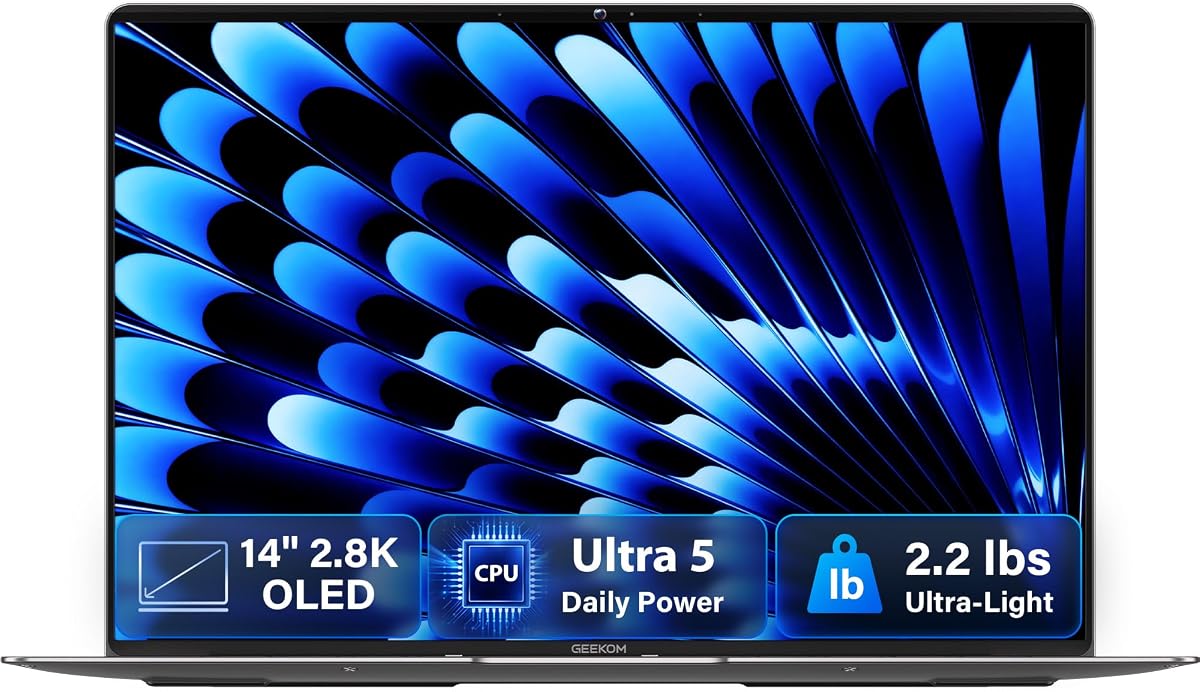
The GEEKOM GeekBook X14 Pro is an ultra-thin marvel at only 0.23 inches. It features a 2.8K OLED panel with 100 percent DCI-P3 color coverage. The chassis is made from aerospace-grade magnesium alloy for durability.
We may earn a commission when you buy through this link, at no additional cost to you.
Performance is powered by the Intel Core Ultra 5 125U processor. The 120Hz refresh rate ensures smooth animations and scrolling. A dedicated NPU supports Copilot features for intelligent assistance tasks.
While the battery is compact it supports up to 16 hours of usage. The design includes a physical camera shutter for privacy. It weighs only 2.2 pounds making it ideal for daily commuting.
Best for users prioritizing portability above all else. The thin profile does not compromise on build quality. Verify power supply compatibility if you need to charge frequently.
At 2.2 pounds this device is easy to carry anywhere.
The 2.8K OLED offers cinematic color accuracy.
We may earn a commission when you buy through this link, at no additional cost to you.
The Lenovo Legion 5a is a premium gaming powerhouse with RTX 5060 graphics. It features a 165Hz OLED display for smooth motion during gameplay. The 32GB DDR5 RAM ensures seamless multitasking for streaming.
We may earn a commission when you buy through this link, at no additional cost to you.
Connectivity includes Wi-Fi 7 for fast speeds and low latency. The RGB keyboard adds style and usability in dark rooms. Battery supports Rapid Charge Pro to get back to full quickly.
While heavier than standard laptops the power justifies the bulk. The screen offers deep blacks and vibrant colors for HDR content. It is a robust choice for high-end creative and gaming needs.
Best for gamers and content creators needing high performance. The build quality is excellent for the price tier. Check power requirements to ensure your outlet supports the charger.
The 165Hz OLED display makes games look fluid and vibrant.
Wi-Fi 7 provides top-tier speeds for online gaming.
We may earn a commission when you buy through this link, at no additional cost to you.
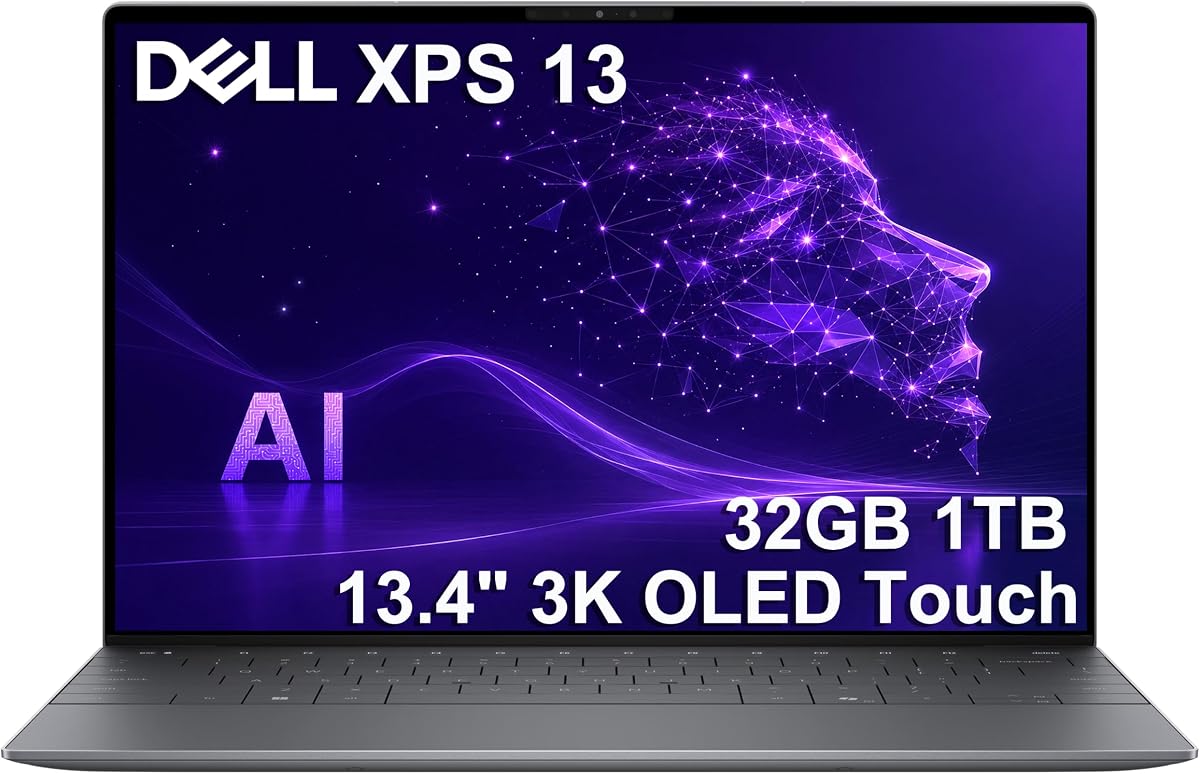
The Dell XPS 13 9345 is the thinnest XPS yet with a 3K OLED touch. The Snapdragon X Elite processor provides desktop-class power anywhere. It boasts an industry-leading 27-hour battery life for professionals.
We may earn a commission when you buy through this link, at no additional cost to you.
Security is enhanced with BitLocker encryption and remote desktop support. The screen offers crisp visuals and 400nits brightness for indoor use. Windows 11 Pro ensures enterprise features are readily available for work.
Connectivity is limited to USB-C so adapters may be needed often. The price is high but justified by the build and specs. It is a refined machine for business and content workflows.
Best for enterprise users needing security and power. The battery life ensures uninterrupted travel days. Check current deals to maximize value for this premium device.
Windows Pro features support secure and efficient business workflows.
Up to 27 hours of usage supports extended travel.
We may earn a commission when you buy through this link, at no additional cost to you.
Selecting a laptop with an OLED display requires balancing several key factors to ensure you get the best experience for your specific needs.
Look for high resolution and color gamut coverage like 100% DCI-P3 to ensure accurate visuals. Refresh rates above 90Hz provide smoother motion for scrolling and media.
Prioritize panels with high peak brightness if you often work in bright environments.
Choose processors with strong AI capabilities like Ryzen AI or Core Ultra to handle modern workflows efficiently. NPU performance helps with local tasks and reduces load on the main CPU.
Ensure the CPU matches your daily tasks whether it is gaming or video editing.
Minimum 16GB RAM is recommended for multitasking on modern operating systems. Storage should be at least 512GB to accommodate large media files and applications.
Upgradable options provide flexibility for future needs but are rare on thin models.
OLED screens can consume more power than LCDs so look for large battery capacities. Aim for at least 12 hours of real-world use for daily portability.
Fast charging capabilities help you quickly recharge during short breaks.
Consider the weight and thickness if you plan to carry the device daily. Lighter chassis materials like magnesium or aluminum improve the travel experience.
Smaller screens like 14 inches often balance performance and portability well.
Check for USB-C ports with Thunderbolt support for fast data and charging. HDMI 2.1 is essential if you connect external monitors or TVs.
Wi-Fi 6E or 7 ensures reliable high-speed connections in crowded areas.
MIL-STD 810H testing indicates the device can withstand drops and stress. Look for quality hinges and keyboards that resist wear over time.
A sturdy build ensures longevity for daily professional use.
Biometrics like IR cameras or fingerprint readers provide fast secure login. Physical privacy shutters for webcams add an extra layer of protection.
Security features are vital for professionals handling sensitive data.
To prolong the life of your OLED screen, avoid keeping static images on the display for long periods. Enable screensavers or dim the display when the device is idle to prevent burn-in.
Regularly clean the screen using a microfiber cloth to remove dust and fingerprints without harsh chemicals. Do not apply excessive pressure as OLED panels are sensitive to physical stress.
Keep your system updated to the latest firmware to ensure optimal power management. Proper thermal management helps maintain performance and longevity of the battery.
Yes, OLED laptops offer superior contrast and color accuracy that benefit creators and media consumers. The deep blacks and fast refresh rates provide a viewing experience unmatched by standard LED screens.
Modern OLED displays include features to mitigate burn-in such as pixel shifting. While risk exists, normal usage patterns rarely cause permanent image retention on current models.
High-end OLED panels offer peak brightness levels suitable for indoor and shaded outdoor use. For very bright environments, look for models with 400 nits or higher brightness ratings.
Gaming laptops with OLED are growing in popularity due to their fast refresh rates and vivid visuals. They are particularly suitable for immersive titles and content creation tasks.
Battery life depends on brightness and usage. ARM-based processors often help maintain longer endurance even with power-hungry OLED panels.
Most models feature USB-C with DisplayPort or HDMI 2.1 allowing for external monitor connections. Verify specific port specs to ensure compatibility with your desired setup.
Keyboard quality varies by brand but premium models usually offer good key travel and backlights. Reading specific reviews for each model helps ensure typing comfort.
Most laptops come with a standard one-year warranty with options to extend. Check for coverage on battery and screen defects to ensure long-term protection.
This guide highlights ten outstanding options ranging from budget-friendly picks to premium powerhouses. Each model offers unique strengths tailored to different professional and personal needs.
Prioritize what matters most to you whether it is battery life, processing power, or display fidelity. Matching these factors with your workflow ensures the best return on investment.
Prices and availability change frequently so check current listings before purchasing. Always verify the latest specifications and user reviews for the most accurate decision.