
15.6 Inch Privacy Screen Filter
4.2Editor score
Blocks side views effectively
Reduces blue light exposure
Simple slide or mount install
Protecting your sensitive data on public laptops is more critical than ever. A quality privacy screen filter blocks side views and reduces glare effectively. It ensures your work remains confidential in open offices or crowded coffee shops without sacrificing visual clarity for you.
We evaluated ten leading models based on privacy technology, ease of installation, and eye protection features. Our analysis covers various screen sizes and aspect ratios to match your specific device. Each product offers unique mounting options and build quality differences worth considering.
This guide highlights the standout strengths and potential trade-offs of every recommended model. You will find detailed breakdowns of specs and user-focused benefits for each choice. Please note that availability and pricing can change frequently online so verify details before purchasing today.
4.2Editor score

4.2Editor score

4.4Editor score
As an Amazon Associate we earn from qualifying purchases.
This side-by-side comparison highlights the key specifications and strengths of each top-rated privacy screen model. Use these details to match the right protection level and installation method to your specific laptop needs and usage environment.
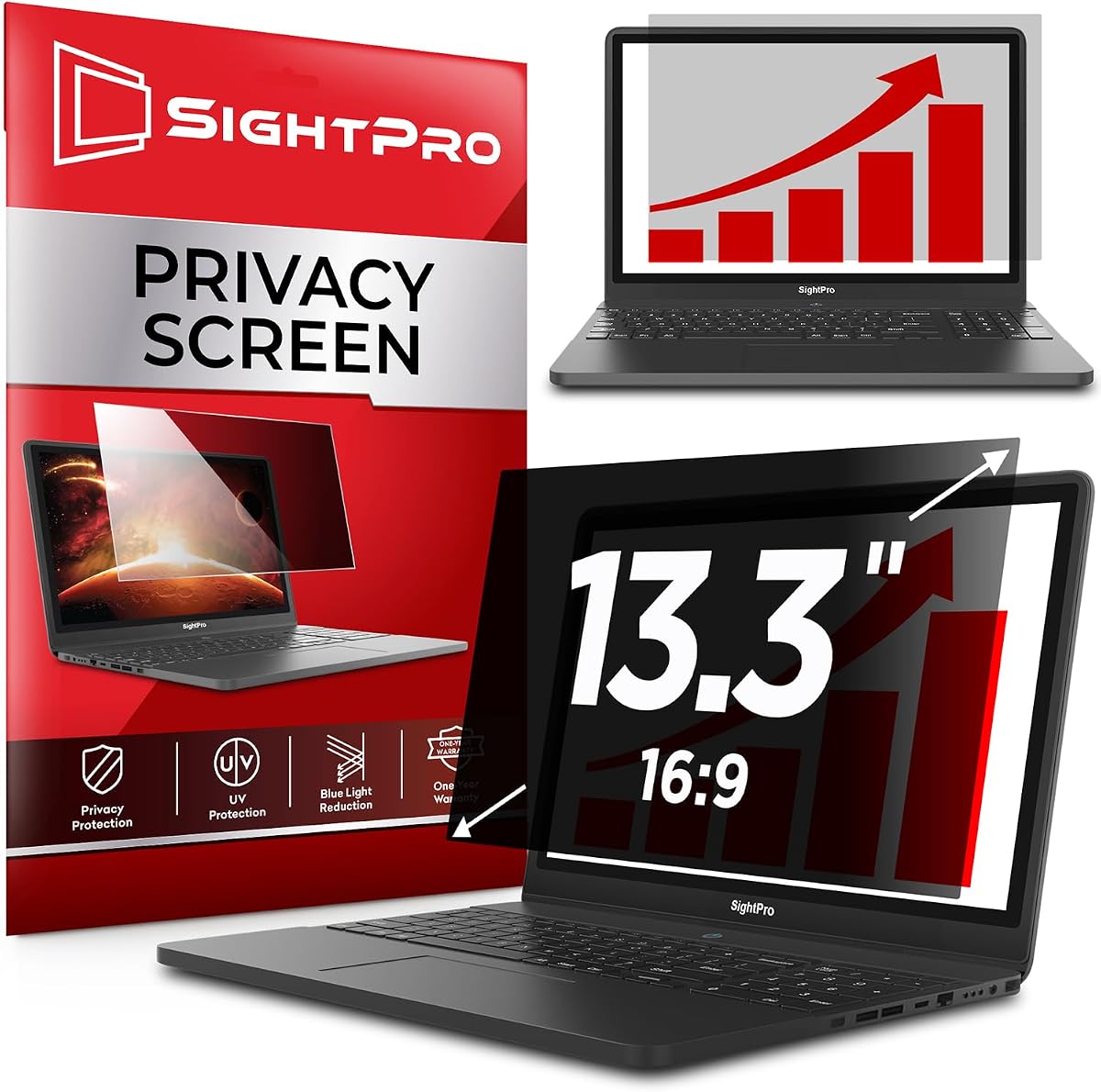


This budget friendly privacy screen delivers solid protection for standard 15.6 inch laptops. It holds a strong rating for keeping side views dark while maintaining front clarity. Users appreciate the dual installation methods and the added blue light reduction benefits.
We may earn a commission when you buy through this link, at no additional cost to you.
The filter blocks views outside a 60 degree angle effectively. It reduces blue light between 380 and 495 nanometers to help eyes. The clear front view ensures you see your work clearly without distortion while others see only darkness.
It does not support touchscreens so check compatibility before ordering. You must measure width and height excluding bezels for a perfect fit. These minor constraints are acceptable given the low cost and functional performance it offers daily.
Ideal for students and office workers on a tight budget. Choose this if you need reliable privacy without spending much money. It keeps sensitive data safe in public spaces while protecting your eyes from prolonged screen exposure.
This model offers excellent value by combining privacy and eye protection at a minimal cost.
Choose between slide-on/off or mounted options to fit your workflow preferences.
We may earn a commission when you buy through this link, at no additional cost to you.
The SightPro Magnetic Privacy Screen stands out for its patented snap-on system. It attaches magnetically to the top of your laptop without tapes or glue. This design makes it easy to remove and reuse whenever you need privacy in different locations.
We may earn a commission when you buy through this link, at no additional cost to you.
It blacks out side views while keeping the front clear. The package includes a webcam cover for added security. It is compliant with Section 889 and TAA standards making it suitable for government and corporate environments.
The premium price reflects the advanced mounting tech and included accessories. It is not optimized for touchscreens so verify your device type. These trade-offs are worth it for users who prioritize convenience and regulatory compliance.
Best for frequent travelers and corporate professionals needing secure access. Choose this if you want quick attach and detach features without residue. It safeguards sensitive data effectively while offering convenience for daily mobile work.
Patented magnets allow instant attachment and removal without messy adhesives.
TAA and Section 889 compliance makes it ideal for government and business use.
We may earn a commission when you buy through this link, at no additional cost to you.
This 3M filter uses proprietary nanolouver technology for exceptional brightness. It transmits up to 85 percent of screen light unlike standard black filters. The advanced tech ensures clear vision while blocking side views outside the 60 degree angle.
We may earn a commission when you buy through this link, at no additional cost to you.
It reduces blue light without distorting natural colors. The package includes 3M COMPLY Flip Attach for easy switching between privacy and sharing. Each unit is 100 percent hand inspected to ensure quality and performance consistency.
The higher cost reflects superior optical performance and included accessories. It requires a specific aspect ratio so check dimensions carefully. These factors make it a top choice for professionals prioritizing display quality.
Best for creatives and executives needing clear visuals and privacy. Choose this if you want the brightest privacy experience available. It keeps content secure without sacrificing the vibrant colors of your display.
Transmits up to 85 percent of screen light for vibrant visuals.
COMPLY Flip Attach allows quick switching between privacy and screen sharing.
We may earn a commission when you buy through this link, at no additional cost to you.
ZOEGAA offers unique 360 degree privacy protection compared to standard 180 degree filters. It blocks views from all directions including up and down. This comprehensive coverage is ideal for crowded spaces where people sit behind you.
We may earn a commission when you buy through this link, at no additional cost to you.
Choose between glossy for better privacy or matte to prevent glare. It blocks blue light and UV rays to reduce eye fatigue. The reversible design lets you pick the finish that suits your environment best.
It is not compatible with MacBooks or Surface series computers. You may need extra adhesive for a stable fit. These limitations are minor compared to the superior all angle protection it provides.
Perfect for public transit and open office workers. Choose this if you need protection from all viewing angles. It keeps your screen private even when someone looks from above or behind you.
Blocks views from all four directions for complete security.
Select glossy for privacy or matte to reduce screen glare.
We may earn a commission when you buy through this link, at no additional cost to you.
This SightPro model combines privacy with effective glare reduction for bright areas. It uses a multi-layered film to block side views while reducing reflected light. The anti-glare feature helps you work comfortably in airports or sunlit rooms.
We may earn a commission when you buy through this link, at no additional cost to you.
The package includes both adhesive strips and slide mount tabs. You can choose permanent or removable installation based on your needs. It also reduces UV and blue light to protect your eyes during long sessions.
Ensure your screen size matches the specified dimensions before ordering. It is not optimized for touchscreens so check your device. These constraints are standard for this class of product and do not impact privacy performance.
Ideal for travelers and outdoor workers facing glare. Choose this if you want privacy plus comfort in bright light. It keeps your work safe while reducing eye strain from reflections.
Reduces reflected light to improve visibility in bright environments.
Includes both adhesive and slide mount options for easy installation.
We may earn a commission when you buy through this link, at no additional cost to you.
Protescreen uses revolutionary micro-louver technology for reliable side view blocking. It limits viewing angles to plus or minus 30 degrees for privacy. The package includes alcohol wipes and cleaning cloths to ensure a clean install.
We may earn a commission when you buy through this link, at no additional cost to you.
The screen is reversible so you can choose matte for less glare or glossy for more privacy. It blocks 92 percent of blue light and 98 percent of UV light. High transparency materials preserve HD picture quality without distortion.
Some users may find the adhesive less durable over time. The lifetime free support policy helps address any issues quickly. These factors make it a strong choice for users needing frequent filter replacements.
Best for students and budget conscious professionals. Choose this if you want comprehensive features at a low price. It protects privacy and eyes while offering flexible finish options.
Advanced louver structure limits side views effectively for privacy.
Flip between glossy and matte finishes to suit your lighting needs.
We may earn a commission when you buy through this link, at no additional cost to you.
This 3M model is up to 25 percent brighter than standard black filters. It transmits more light while blocking side views outside the 60 degree angle. The result is a vivid display that remains secure from prying eyes.
We may earn a commission when you buy through this link, at no additional cost to you.
It includes 3M COMPLY Flip Attach for easy switching between modes. The filter reduces blue light without altering natural color. You can choose between glossy for privacy or matte to reduce fingerprints.
The aspect ratio must be 16:10 so check your laptop size. Higher cost is justified by better optical clarity. This makes it ideal for users who value display quality alongside privacy.
Perfect for designers and media professionals working remotely. Choose this if you need clear visuals without sacrificing privacy. It ensures your work is visible to you while hidden from others.
Provides up to 25 percent more brightness than standard filters.
Switch quickly between privacy and sharing with the COMPLY system.
We may earn a commission when you buy through this link, at no additional cost to you.
This 14 inch full screen filter offers extensive coverage and privacy. It uses 3M nanolouver technology to ensure clarity and brightness. The filter allows natural color while reducing blue light effectively.
We may earn a commission when you buy through this link, at no additional cost to you.
You get a reversible solution with glossy or matte options. It reduces glare and fingerprints while keeping views secure. The package includes COMPLY Flip Attach for flexible use.
Confirm dimensions match your full screen laptop before buying. The price is higher but reflects top tier optical performance. It is best for users needing seamless coverage without bezel gaps.
Ideal for business travelers with 14 inch devices. Choose this if you want premium brightness and privacy. It keeps data safe while maintaining a professional visual experience.
Covers the entire display for consistent privacy across your work area.
Transmits light efficiently for a clear and vibrant viewing experience.
We may earn a commission when you buy through this link, at no additional cost to you.
This model features the COMPLY attachment system for quick flipping. It switches from privacy to screen sharing with a simple flip. The hinge design is built to withstand daily use and wear.
We may earn a commission when you buy through this link, at no additional cost to you.
It reduces 35 percent of blue light transmission to protect eyes. The filter is reversible between glossy and matte finishes. It also offers protection against scratches and dust for your screen.
Ensure your laptop has a 16:9 aspect ratio for fit. The hinge adds value for frequent collaborators. These features make it stand out for team environments.
Best for team leaders and frequent presenters. Choose this if you need to share screens often. It balances privacy and collaboration seamlessly without tools.
The COMPLY system allows one touch switching between privacy and sharing.
Proprietary hinge design ensures long term reliability during daily use.
We may earn a commission when you buy through this link, at no additional cost to you.
This SightPro filter delivers high clarity while blocking side views. It maintains a crystal clear front view for natural color. The multi-layer film blocks UV and blue light to reduce eye strain.
We may earn a commission when you buy through this link, at no additional cost to you.
You can choose clear adhesive strips or slide mount tabs. It reduces glare for better comfort in bright areas. The package includes a cleaning cloth to prepare your screen for installation.
It is not optimized for touchscreens and not compatible with MacBooks. Verify width and height measurements before ordering. These limits are standard and do not impact privacy performance.
Ideal for users seeking clarity on 13.3 inch screens. Choose this if you want simple installation and high visibility. It keeps your work private without compromising how it looks to you.
Front view maintains natural color and high definition quality.
Includes both adhesive and slide mount for easy installation.
We may earn a commission when you buy through this link, at no additional cost to you.
Selecting the right privacy screen requires understanding your device specifications and usage needs. This guide breaks down the essential factors to consider.
Always measure the width and height excluding bezels. Aspect ratios like 16:9 and 16:10 differ significantly so check your model.
Use the exact dimensions from your user manual for a perfect fit.
Most filters block views outside a 60 degree angle. Some offer 360 coverage for extra security in crowded spots.
Consider where you sit and how people approach you.
Many privacy filters are not compatible with touchscreens. If your device supports touch, verify compatibility before purchase.
Avoid models labeled as non touch compatible.
Options include adhesive strips, slide mounts, or magnetic attachment. Adhesive is permanent while slides allow removal.
Choose based on how often you need to remove the filter.
Quality filters reduce blue light and UV rays. Look for models specifying percentage reduction for eye safety.
This feature helps reduce strain during long sessions.
Glossy finishes offer better privacy while matte reduces glare. Some filters are reversible for both options.
Select a finish that matches your environment's lighting.
Check if the filter comes with warranty or lifetime support. High quality models use durable multi-layer films.
Look for clear return policies in case of issues.
Enterprise users may need TAA or Section 889 compliance. Verify if your organization requires specific certifications.
This ensures your choice meets security protocols.
Clean your screen with a microfiber cloth before applying the filter. Ensure no dust is present to avoid bubbles under the film.
Align the filter carefully with your screen edges before securing it. Use the included adhesive or slide mount to keep it flat.
Clean the filter gently with a soft cloth. Avoid harsh chemicals to protect the privacy coating and film layers.
Most standard filters are not compatible with touchscreens. Verify your device model before ordering to avoid fit issues. Some models offer specialized versions for touch devices.
Measure the visible area excluding the bezels using a ruler. Record width and height in millimeters. Match these exact numbers to the product specifications.
Standard filters may reduce brightness by about 30 percent. High brightness models transmit more light. Adjust your display settings to compensate for dimming.
Removable options use slide mounts. Adhesive strips are permanent and may leave residue. Choose the mount type based on your need for flexibility.
Many filters block a percentage of blue light. This reduces eye strain during long work sessions. Check product specs for specific reduction rates.
Most flat filters are designed for flat screens. Curved displays may require specific models. Contact support to confirm compatibility before buying.
Durability depends on the quality of materials. Multi-layer films typically last years if handled gently. Cleaning and careful handling extend their lifespan significantly.
We highlighted top models across budget and premium categories. Each option balances privacy performance with features like glare reduction.
Prioritize aspect ratio and installation method to match your workflow. Eye protection features add value for frequent laptop users.
Always verify current availability and pricing before buying. Prices fluctuate so check today's listings for the best deal.