
Amazon Basics Stereo 2.0 Speakers
4.4Editor score
USB powered convenience
3.5mm aux input
In-line volume control
This guide compares ten top external speakers for MacBook setups to help you find the perfect audio solution for your workspace.
Finding the right external speakers for your MacBook can transform your listening experience significantly. Whether you watch movies or work on projects, quality audio matters for immersion and clarity in your daily tasks.
We compared ten highly rated speaker models based on sound quality, connectivity options, and design suitability for Mac users. Each product offers unique features to enhance your desktop environment with rich stereo sound and reliable performance.
Each pick showcases key strengths and ideal use cases to help you choose confidently. Please note that availability and pricing may change over time so check current listings before making your final decision today.
4.4Editor score
4.5Editor score

4.5Editor score
This side-by-side comparison highlights key specifications across all ten models to help you evaluate connectivity power output and design features at a glance.




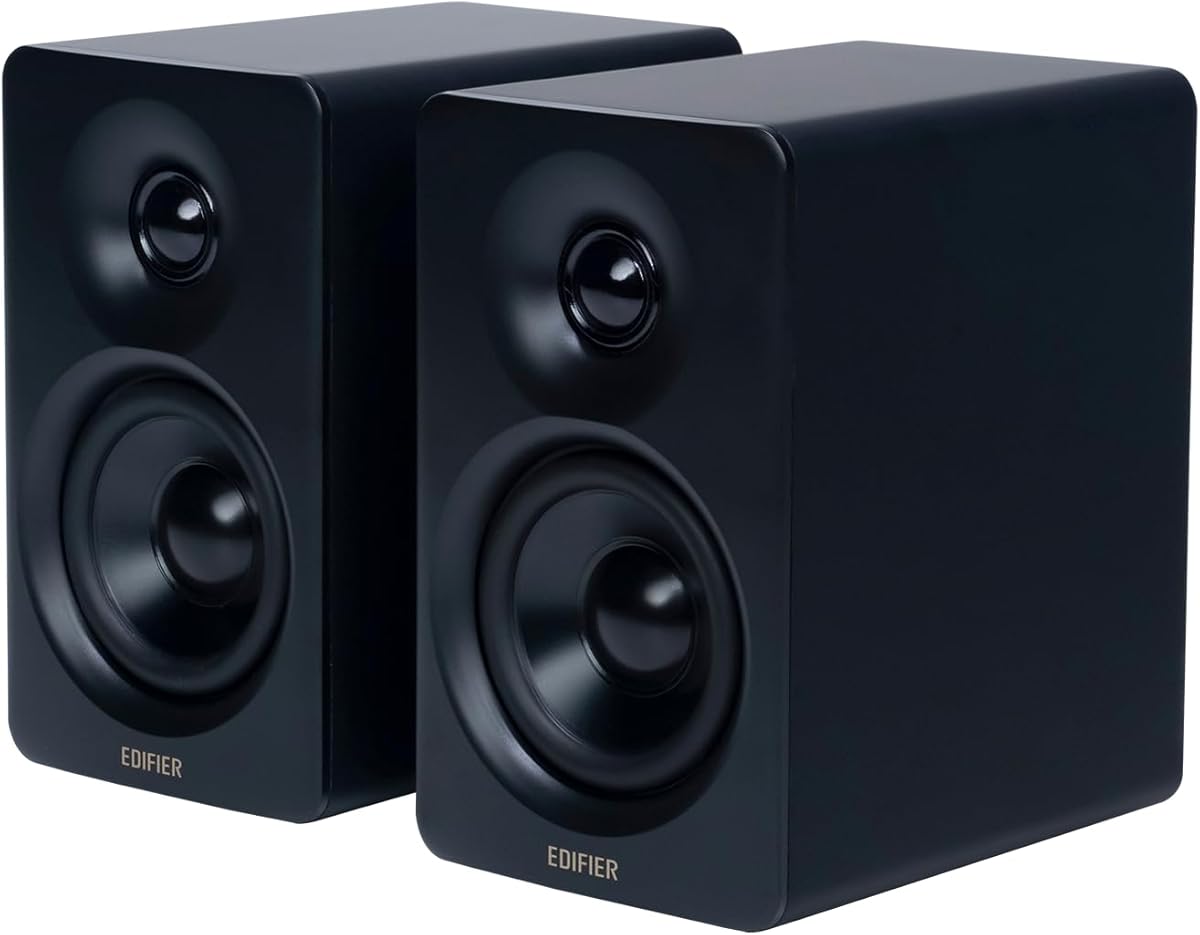
The Edifier M60 stands out as a top choice for MacBook users seeking high fidelity audio in a compact form factor. With a rating of 4.5 stars it delivers impressive performance for multimedia consumption and professional work.
We may earn a commission when you buy through this link, at no additional cost to you.
Its 66W RMS output ensures powerful sound without distortion while the Hi-Res certification guarantees clarity for detailed audio files. The built-in DSP and Class-D amplifier work together to provide precise sound reproduction across all frequencies.
While the price is higher than budget options the audio quality justifies the investment for serious listeners. The touch panel and included stands add convenience though you may need adapters for older Mac ports.
If you want studio quality sound on your desk this model is highly recommended. It excels at music production and video editing where accurate audio monitoring matters most.
The Hi-Res Audio certification ensures you hear every detail in your files with accurate frequency response.
Multiple inputs including USB-C and Bluetooth allow flexible connections to various devices seamlessly.
We may earn a commission when you buy through this link, at no additional cost to you.
Amazon Basics Stereo 2.0 Speakers offer a no-fuss solution for MacBook users needing reliable external audio without breaking the bank. Their 4.4 star rating reflects solid value for everyday listening tasks.
We may earn a commission when you buy through this link, at no additional cost to you.
Powered directly from the USB port they eliminate the need for extra adapters or power bricks. The inline volume control makes adjustments quick during meetings or media playback without reaching for your keyboard.
The sound is clear enough for calls and casual listening but lacks depth for critical audio work. However the metal finish and scratch free base ensure they look professional on any desk.
This is the ideal pick for those prioritizing function over features. If you need a simple speaker to boost audio volume and can accept basic performance these are perfect.
Drawing power directly from your Mac removes clutter while keeping setup incredibly straightforward for users.
Adjusting volume instantly without software tweaks saves time during important calls or media consumption sessions.
We may earn a commission when you buy through this link, at no additional cost to you.
The Edifier MR3 is engineered for those who demand professional audio accuracy from their MacBook speakers. With a 4.5 star rating it bridges the gap between consumer electronics and studio equipment.
We may earn a commission when you buy through this link, at no additional cost to you.
Its flat frequency response ensures what you hear matches the source without artificial boosting. This is crucial for video editors or musicians who need to trust what they are hearing during work.
The MDF cabinet reduces resonance for clearer sound while the app allows fine tuning to match your room acoustics. Though the design is utilitarian the performance is top notch for critical listening.
If you are serious about audio quality this monitor speaker is a fantastic investment. It provides the neutrality needed for professional tasks while still handling casual music well.
The flat response curve delivers uncolored sound essential for editing and production work on Mac.
Use the companion app to tailor sound profiles specifically for your listening environment.
We may earn a commission when you buy through this link, at no additional cost to you.
The Logitech Z207 brings wireless convenience to your MacBook setup with an easy switching feature that pairs with multiple devices. Its 4.4 star rating highlights reliable performance for mixed media usage.
We may earn a commission when you buy through this link, at no additional cost to you.
Bluetooth 4.2 provides stable streaming while the 3.5mm backup ensures you never miss audio even if connectivity issues arise. The passive radiator adds needed bass to fill your room without extra equipment.
Switching between your MacBook and phone is simple via the Easy-Switch button on the speaker. While the plastic casing feels basic the functionality and included headphone jack make up for it.
This model is great for users who switch between devices often. It balances wireless freedom with the reliability of a wired connection perfectly for everyday tasks.
Pause audio on one device and play on another instantly without re-pairing.
Enjoy wireless streaming with a wired backup option for consistent performance.
We may earn a commission when you buy through this link, at no additional cost to you.
The Creative Pebble V3 updates the classic Pebble design with USB-C connectivity ideal for modern MacBooks. With a 4.4 star rating it delivers clear audio in a tiny footprint that fits any desk.
We may earn a commission when you buy through this link, at no additional cost to you.
Its 45 degree elevated drivers aim sound directly at your ears while the gain switch boosts volume when needed. The Bluetooth 5.0 adds versatility allowing you to play music from your phone when away from the desk.
Clear Dialog processing enhances voice clarity during calls without turning up overall volume. While the cables are short and it works best close to your computer the design is very practical.
This is an excellent choice for minimalist setups where space is limited. The USB-C integration reduces cables and the sound quality exceeds expectations for such a small device.
Drivers tilted at 45 degrees direct sound precisely to your listening position.
Push audio further with a gain switch when more volume is needed.
We may earn a commission when you buy through this link, at no additional cost to you.
These speakers offer a unique clip-on design that saves desk space by mounting directly to your monitor. The 4.2 star rating indicates satisfaction with their loud sound and adaptive channel features for Mac users.
We may earn a commission when you buy through this link, at no additional cost to you.
The built-in G-sensor ensures left and right channels stay correct regardless of mounting position. This eliminates manual setup and guarantees stereo imaging even if you flip the speaker upside down on your monitor.
Included USB-C adapters make them compatible with newer MacBooks without dongles. While the mount has thickness limits it works well on most standard displays and keeps cables tidy on your desk.
Ideal for users who want extra audio without taking up desk real estate. The adaptive tech ensures consistent performance even in awkward mounting scenarios.
G-sensor automatically corrects stereo orientation regardless of how the speaker is mounted.
Mount directly on your monitor to free up valuable desktop area for other essentials.
We may earn a commission when you buy through this link, at no additional cost to you.
These upgraded speakers focus on simplicity with true plug-n-play functionality that requires no software downloads. Their 4.2 star rating suggests they do the job well for general audio needs on a Mac.
We may earn a commission when you buy through this link, at no additional cost to you.
The single USB cable handles both power and audio reducing cable clutter significantly. Dual 3W drivers and a passive radiator provide enhanced bass that fills the room better than built-in laptop speakers alone.
Compatibility across macOS and other systems makes them versatile if you switch devices. While controls are basic the straightforward design ensures they work out of the box every time.
Perfect for anyone who wants immediate audio improvement without technical hassle. Just plug in and enjoy louder sound with minimal effort.
Connect to USB and let the system detect audio instantly without installing drivers.
One USB link delivers both power and audio signal for a clean setup.
We may earn a commission when you buy through this link, at no additional cost to you.
The FUNLOGY Speaker uses a smart 30 degree tilt to direct sound directly toward your ears. With a 4.2 star rating it offers a solid listening experience that feels optimized for desk placement.
We may earn a commission when you buy through this link, at no additional cost to you.
Despite its small size it delivers 14W of power for clear mids and highs. The physical volume dial is a welcome tactile control feature that is easier than using software volume sliders.
Japanese quality standards reflect in the build and noise reduction features. While it needs both USB and aux cables the audio clarity remains consistent during startup or shutdown.
Great for users who want a compact speaker with thoughtful ergonomics. The tilt design really helps project sound where it is needed most.
Upward tilt optimizes audio delivery straight to your ears for immersive listening.
Adjust sound levels with a physical knob for precise and quick control.
We may earn a commission when you buy through this link, at no additional cost to you.
The Dell Speakerphone SP3022 prioritizes communication with certifications for Teams and Zoom. Its 4.2 star rating highlights effectiveness for business calls and remote collaboration on a MacBook.
We may earn a commission when you buy through this link, at no additional cost to you.
Full duplex audio allows multiple people to talk at once without cutting off. LED indicators show call status clearly while the Teams button provides quick access to meetings.
Sound quality is tuned for voice clarity rather than music. If your main goal is professional communication this device removes barriers to effective remote work.
Recommended for users working from home or needing reliable conference audio. It simplifies meeting setup and ensures everyone is heard clearly.
Multiple speakers can talk simultaneously without audio cutting out during calls.
Direct access to Teams meetings streamlines workflow for remote professionals.
We may earn a commission when you buy through this link, at no additional cost to you.
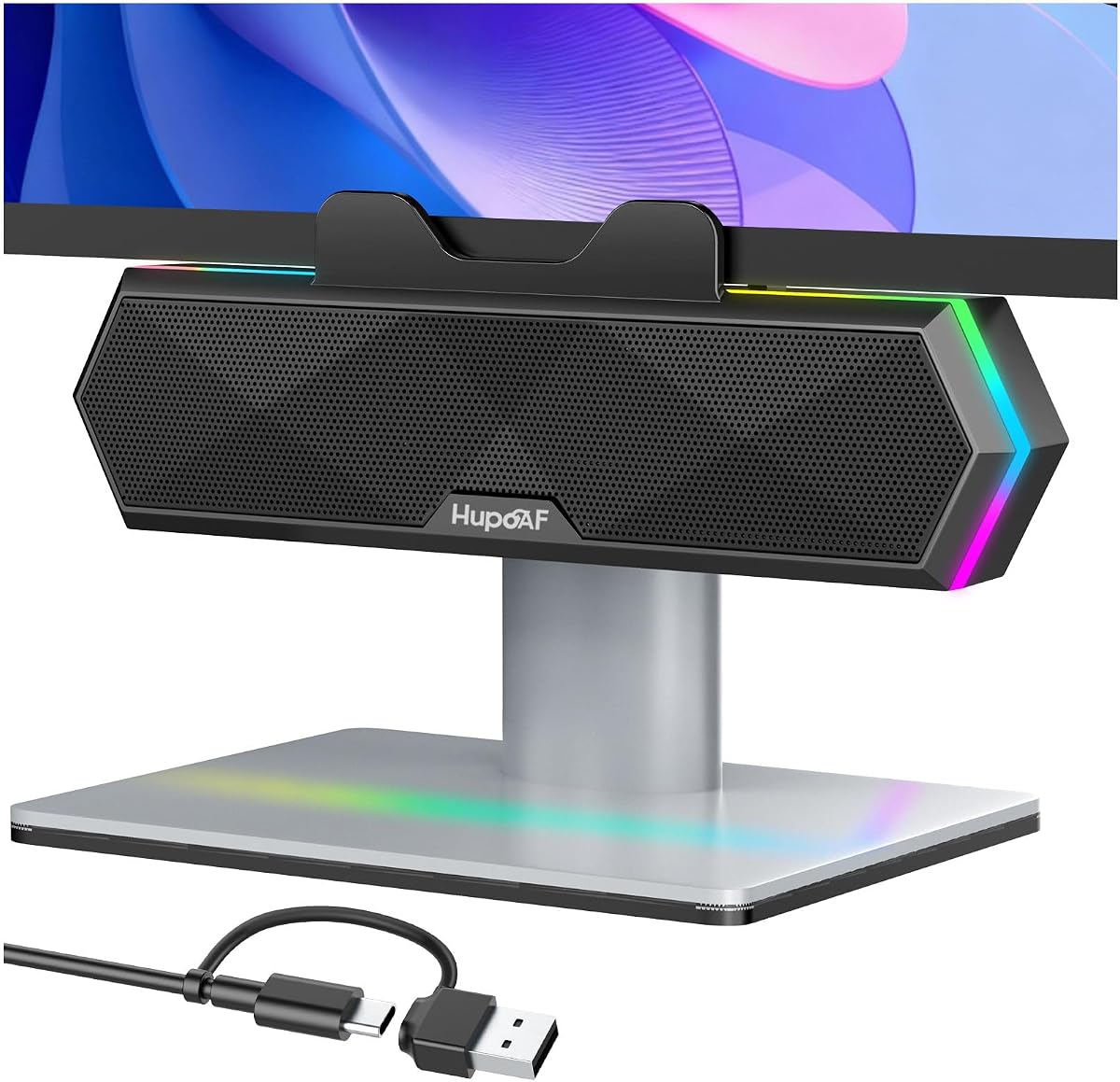
These speakers combine audio performance with visual flair through customizable RGB lighting modes. The high 4.6 star rating suggests users love both the sound and the aesthetic customization options.
We may earn a commission when you buy through this link, at no additional cost to you.
Dual ultra-magnetic drivers and passive radiators provide resonant bass that defies the compact size. The non-slip spring clamp secures firmly to your monitor without scratching it.
You can cycle through six lighting modes or turn them off for a distraction-free workspace. Multifunction controls let you manage audio and lighting from the top of the speaker.
Perfect for gamers or enthusiasts who want style alongside sound. The RGB features add personality while the audio quality remains strong for daily tasks.
Six lighting modes enhance your setup visually and can be toggled easily.
Passive radiators ensure deep bass even in a small form factor.
We may earn a commission when you buy through this link, at no additional cost to you.
Selecting the right speakers involves balancing audio quality, connectivity, and design to match your workflow.
MacBooks often lack traditional audio jacks so prioritize speakers with USB-C or Bluetooth support. Wired connections ensure zero latency while wireless offers flexibility for mobile devices.
Choose connectivity that matches your MacBook ports to avoid needing dongles constantly.
Check the RMS power rating to gauge how loud the speakers can get without distortion. Higher wattage ensures clarity even in noisy environments or large rooms.
Ensure the power output suits your room size and typical usage volume.
Larger drivers usually produce better bass but take up more desk space. Look for passive radiators if you want deeper low-end in a compact package.
Balance driver size with your available workspace for an ideal fit.
Hi-Res certification and DSP ensure accurate sound reproduction. This is vital if you edit media or listen to critical audio.
Prioritize tuning that matches your listening preferences.
Materials like aluminum or MDF reduce resonance and add durability. A sturdy base prevents accidental knocks and ensures stability.
Invest in build quality that lasts long term.
Look for physical controls like volume dials or touch buttons for quick adjustments. Plug-and-play setups save time avoiding driver issues.
Opt for intuitive controls that streamline daily interaction.
Clip-on models save desk space while freestanding options offer placement flexibility. Consider your monitor's thickness before choosing a clip-on design.
Select a mounting style that fits your desk layout perfectly.
Begin by connecting your speakers to the available ports on your MacBook. If using USB-C ensure you plug directly into a powered port for stable performance.
Adjust your system audio settings to output sound through the external speakers. Use built-in controls or an app to calibrate volume levels comfortably.
Keep your speakers clean and dry to maintain longevity. Dust the drivers regularly and avoid placing them in direct sunlight to prevent material wear.
Not always. Modern MacBooks have USB-C ports so look for speakers with USB-C connectivity. If you have older models or need Bluetooth you might need adapters.
USB speakers often provide more consistent power and volume since they draw directly from the port. Bluetooth depends on the receiver and battery which may limit peak output.
Yes via AirPlay or multi-device Bluetooth connections. Ensure your MacBook supports audio sharing or check for apps that manage multiple audio outputs.
They reproduce high-frequency details accurately. This helps professionals and audiophiles who need precise sound for editing or critical listening.
Most modern speakers are plug-and-play. macOS handles generic audio drivers automatically so you rarely need to install extra software.
Most use non-slip clamps designed not to scratch. Check your monitor thickness limits to ensure a secure and safe fit.
We have reviewed ten distinct options ranging from affordable budget picks to professional studio monitors. Each brings unique features to enhance your MacBook audio experience significantly.
Consider your primary use case whether it is music, meetings, or casual media. Balance connectivity needs with available desk space to find the ideal fit.
Always check the current pricing and availability before purchasing to ensure you get the best deal. Your ideal setup awaits to elevate your daily audio tasks.