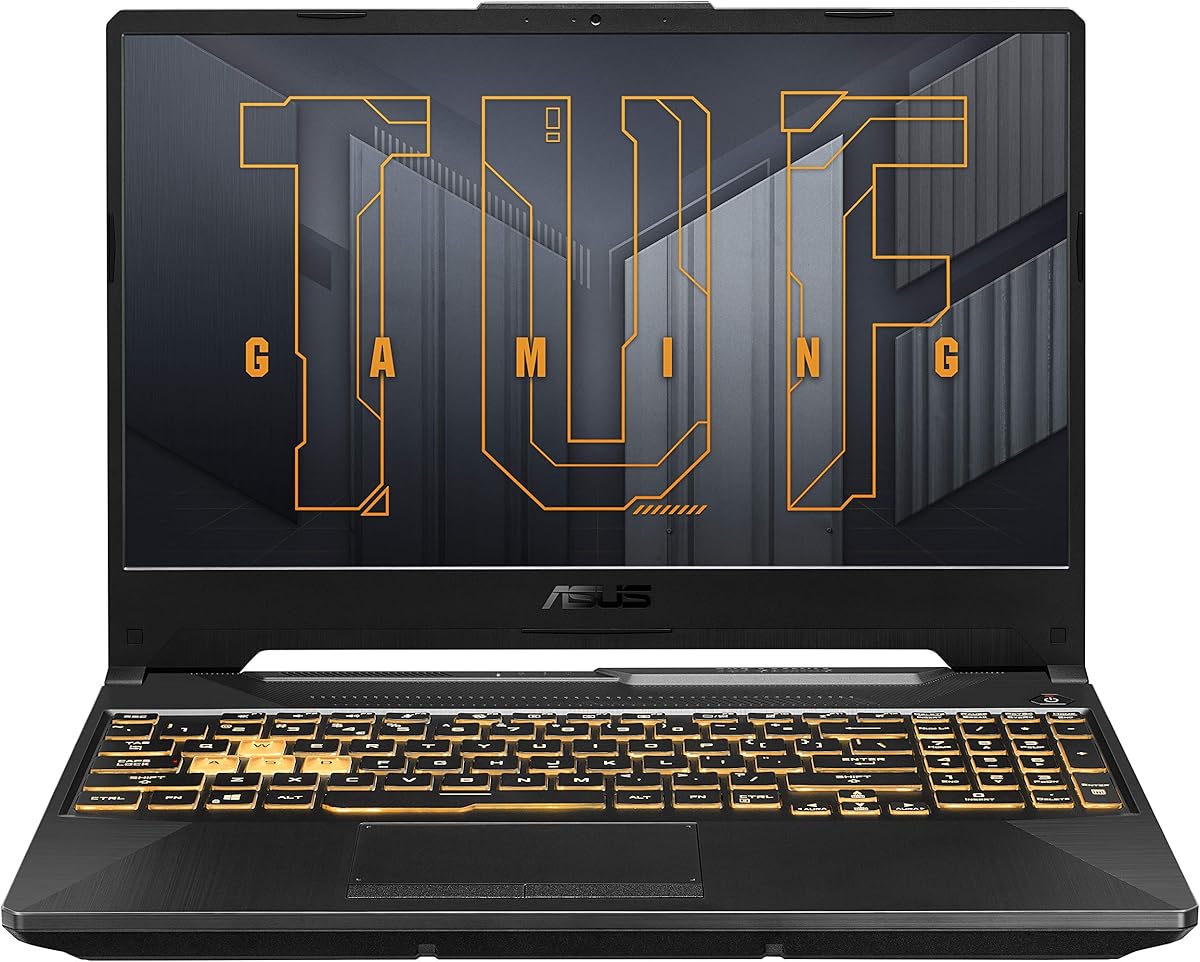
ASUS TUF Gaming A15
4.1Editor score
AMD Ryzen 5 7535HS
RTX 3050 GPU
16GB DDR5 RAM
Choosing the right gaming laptop requires balancing performance, durability, and portability. The ASUS Tuf Gaming series is known for military-grade toughness and reliable hardware designed to handle intense gaming sessions without breaking the bank.
We analyzed ten distinct models from the latest lineup, focusing on processor power, graphics capabilities, display quality, and cooling efficiency. Each entry represents a unique configuration aimed at different user profiles and budget considerations.
Every pick highlights specific strengths like high refresh rates or upgraded RAM. Please note that availability and pricing can fluctuate frequently, so always verify current listings before making a final purchasing decision online.
4.1Editor score
5.0Editor score

5.0Editor score
As an Amazon Associate we earn from qualifying purchases.
This table provides a side-by-side view of key specifications across all ten models to help you quickly identify the hardware that matches your specific performance requirements.

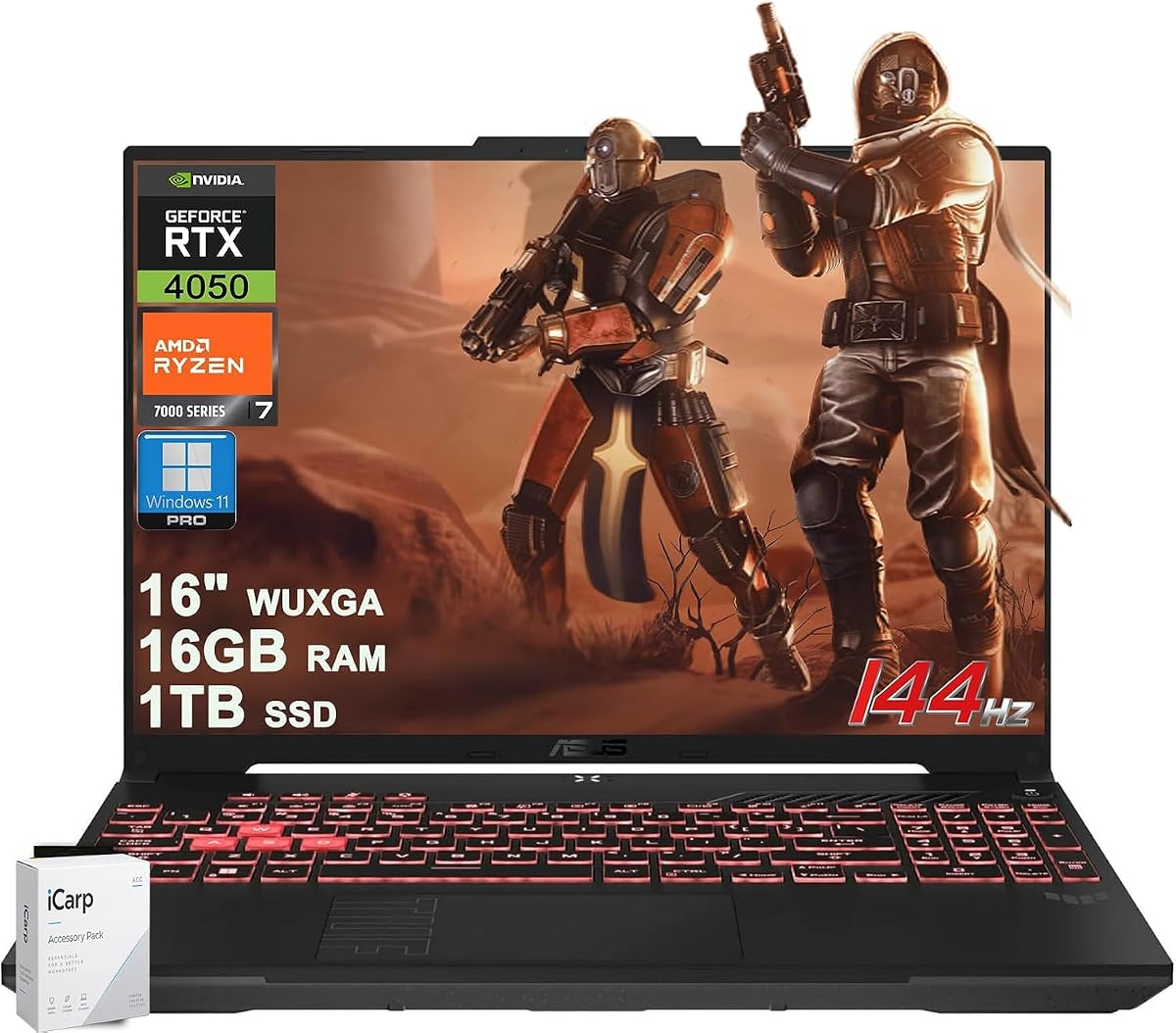


This model stands out as a balanced choice for gamers seeking reliable performance without excessive cost. It earns a strong rating for its robust build and capable hardware configuration suitable for modern titles.
We may earn a commission when you buy through this link, at no additional cost to you.
The Intel Core 5 210H paired with the RTX 4050 provides smooth frame rates. The 144Hz display ensures fluid motion, while the military-grade certification guarantees longevity in varied environments.
Storage is limited to 512GB which may require external drives for large libraries. Upgrading RAM or storage is possible but adds to the total cost of ownership over time.
Ideal for students or casual enthusiasts needing a durable daily driver. Its blend of performance and sturdiness makes it a top recommendation for value-focused buyers.
MIL-STD-810H testing ensures the chassis can withstand drops, vibration, and extreme temperatures common during travel or daily use.
Arc Flow Fans and multiple heat pipes keep internal temperatures in check preventing throttling during extended gaming sessions.
We may earn a commission when you buy through this link, at no additional cost to you.
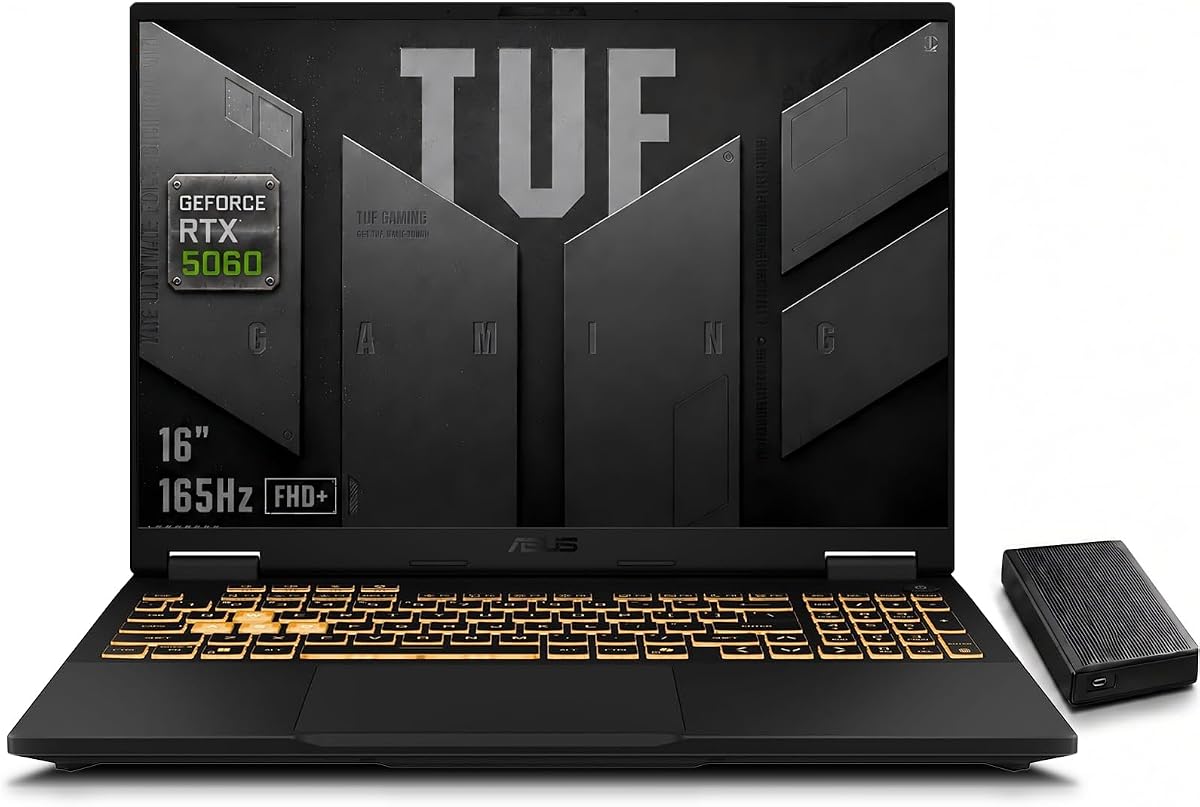
This 2025 model brings significant upgrades in processing power and graphics. Its perfect rating reflects the high-quality components and excellent cooling system designed for sustained workloads.
We may earn a commission when you buy through this link, at no additional cost to you.
The RTX 5060 supports DLSS 4 and advanced ray tracing which enhances visual fidelity. The 165Hz screen reduces motion blur making competitive gaming much more responsive than older panels.
The included external HDD increases port bulk but offers immediate storage expansion. Users might find the weight heavier than standard laptops when carrying it for school or work.
Best suited for power users who need top-tier speed for editing or gaming. The combination of high-end specs and durability makes it a standout choice for serious enthusiasts.
DLSS 4 technology uses AI to upscale frames significantly improving performance without compromising visual quality in supported games.
The i7-14650HX offers substantial multi-core performance ideal for rendering tasks and heavy multitasking alongside gaming.
We may earn a commission when you buy through this link, at no additional cost to you.
This configuration offers the same core performance as the 2025 model but with less memory. It is an excellent entry point for budget-conscious buyers who prioritize raw GPU speed over multitasking capability.
We may earn a commission when you buy through this link, at no additional cost to you.
The 8GB RAM may limit background apps while gaming so closing browsers is recommended. However the 115W TGP ensures the GPU performs at full capacity without thermal restrictions.
Upgrading RAM later is straightforward and cost-effective for this chassis. The lack of extra M.2 slots might require external storage for growing game libraries eventually.
Perfect for those who want strong gaming performance at a lower price. It balances cost and capability well making it a smart choice for students starting their collection.
Despite the lower RAM the high TGP GPU ensures competitive frame rates in most modern titles at high settings.
The design allows for easy memory expansion which future-proofs the device as software requirements increase over time.
We may earn a commission when you buy through this link, at no additional cost to you.
AMD processors in this model offer efficient performance and good battery life for general tasks. The inclusion of Windows 11 Pro and USB4 expands connectivity options for professional workflows.
We may earn a commission when you buy through this link, at no additional cost to you.
The 1TB SSD provides ample space for games without immediate need for external drives. The Ryzen 7 processor handles streaming and rendering efficiently without overheating due to intelligent airflow.
AI noise cancelation is useful for calls during breaks. However the higher price for the OS license may be unnecessary for pure gaming users who prefer a standard home edition.
Recommended for creative professionals who game occasionally. The high storage capacity and versatile ports make it a versatile tool for mixed work and play environments.
USB4 ports allow for high-speed data transfer and support external graphics docks for future expansion.
The 6-core design balances power consumption and performance ensuring stable speeds during long workloads.
We may earn a commission when you buy through this link, at no additional cost to you.
This premium configuration maximizes the chassis potential with maximum RAM and latest wireless tech. It is ideal for heavy multitaskers who need to run many apps simultaneously without slowdown.
We may earn a commission when you buy through this link, at no additional cost to you.
The Wi-Fi 6E ensures stable connections in crowded networks reducing latency during online matches. G-Sync technology prevents screen tearing providing a flawless visual experience even during intense motion.
Carrying the high-wattage power brick adds to the load when traveling. The device is heavier than ultrabooks but the performance gains justify the bulk for desktop replacement use.
Best for professionals or streamers needing top performance. The generous memory allows for virtual machines and complex projects alongside gaming workloads.
Wi-Fi 6E leverages the 6GHz band for faster speeds and less interference in dense environments.
32GB DDR5 handles heavy content creation tools effortlessly ensuring smooth operation during rendering or editing.
We may earn a commission when you buy through this link, at no additional cost to you.
This model brings gaming power to a smaller 14-inch chassis making it highly portable. The unified memory architecture boosts graphics efficiency which is rare in laptops of this size.
We may earn a commission when you buy through this link, at no additional cost to you.
The WQXGA display offers sharp visuals and high refresh rates for a crisp experience. Integrated graphics leverage AI capabilities for better performance in supported workloads and games.
Memory is not user-upgradeable so choosing 32GB upfront is crucial for future needs. The compact size reduces port count compared to larger 16-inch models.
Ideal for travelers and students needing power on the go. Its balance of portability and performance makes it a unique choice in the rugged gaming segment.
The smaller footprint allows easy fit in backpacks without sacrificing significant compute power or screen quality.
Copilot+ PC support enables advanced productivity tools powered by the onboard neural engine for faster workflows.
We may earn a commission when you buy through this link, at no additional cost to you.
This model offers a dependable mid-range experience for gamers focused on essential performance. The Ryzen 5 processor provides efficient power for daily tasks and moderate gaming sessions.
We may earn a commission when you buy through this link, at no additional cost to you.
The RTX 3050 supports ray tracing and DLSS which enhances older titles significantly. The 16GB RAM ensures smooth multitasking for general use without lag or stutter.
The screen resolution is standard which might feel limiting compared to higher-end models. Battery life can be reduced when gaming unplugged due to dedicated GPU usage.
Great for casual gamers who need a durable machine for school. Its straightforward specs and solid build quality make it a safe choice for most users.
The AMD chip balances efficiency and speed suitable for long study sessions or travel without constant charging.
DLSS 3.5 support helps maintain higher frame rates in demanding games without sacrificing too much visual detail.
We may earn a commission when you buy through this link, at no additional cost to you.
This 2025 variant includes nearly every feature a gamer might want including Thunderbolt 4 and high memory. It stands out for its comprehensive connectivity options and robust build quality.
We may earn a commission when you buy through this link, at no additional cost to you.
The 32GB RAM and high-speed SSD allow for rapid loading times and smooth switching between heavy applications. The RGB keyboard adds a personalized touch that appeals to style-conscious users.
The sheer number of ports means fewer dongles are needed for external setups. However the device is heavy and less travel-friendly than compact 14-inch alternatives.
Perfect for stationary home setups where power is key. Its high capacity and wide connectivity make it a true desktop replacement for demanding tasks.
Thunderbolt 4 allows daisy-chaining monitors and high-speed data transfer for professional workflows and gaming.
The RGB backlit keyboard allows custom lighting zones enhancing the aesthetic appeal of the workstation.
We may earn a commission when you buy through this link, at no additional cost to you.
This variant combines strong processing power with high user satisfaction ratings. The AMD processor ensures efficiency while the GPU handles modern games well for most users.
We may earn a commission when you buy through this link, at no additional cost to you.
Windows 11 Pro includes features useful for business or advanced home use. The backlit keyboard ensures visibility in low light which is helpful for late-night gaming sessions.
Storage is limited to 512GB which requires management for large collections. Users might need external drives or cloud solutions to manage space effectively.
Ideal for users prioritizing performance per watt. Its efficiency and high ratings make it a trusted choice for long-term daily use.
The Ryzen architecture optimizes power use for balanced performance during mixed work and gaming tasks.
High ratings reflect consistent reliability and solid user experience with hardware and support.
We may earn a commission when you buy through this link, at no additional cost to you.
This model delivers maximum potential with top-tier specs and high capacity battery. It is designed for users who need sustained performance without needing constant access to a power outlet.
We may earn a commission when you buy through this link, at no additional cost to you.
The intelligent cooling system maintains stability during long sessions. High TGP ensures the GPU performs at full power without throttling during intense heat.
The dual storage setup offers convenience for games and files. However the physical weight and dimensions limit its portability compared to smaller 14-inch models.
Best for power users and content creators. Its combination of storage, memory, and battery life makes it a top choice for heavy workflows.
The 280Wh battery allows extended unplugged usage for gaming or work away from a power source.
Optimized airflow and intelligent controls keep internal temperatures low ensuring consistent performance.
We may earn a commission when you buy through this link, at no additional cost to you.
Selecting the right model involves evaluating specific hardware traits to match your workload and budget.
The CPU determines multitasking and general application speed. Intel i7 and AMD Ryzen 7 chips offer high core counts for heavy workloads.
Look for H-series or HX processors if you need sustained performance for gaming or rendering tasks.
The GPU is critical for visual fidelity and frame rates. RTX 5060 and RTX 4050 models provide strong AI features and ray tracing.
Prioritize higher TGP ratings as they indicate more power delivered to the GPU for better performance.
RAM affects how many applications you can run simultaneously. 16GB is standard but 32GB is better for future proofing.
Check if the laptop allows user upgrades to save costs initially while maintaining flexibility later.
Refresh rates above 120Hz ensure smooth motion which is vital for competitive games. SRGB coverage ensures accurate colors for creative work.
Look for Adaptive-Sync or G-Sync support to reduce screen tearing during gameplay.
SSD capacity determines how many games you can store locally. 1TB is becoming standard for modern titles.
Check for available M.2 slots to expand storage without needing external drives for large libraries.
Military-grade certification ensures the device can withstand drops and vibration during travel.
This build quality is essential for students or professionals moving between different work environments.
Cooling systems must handle heat during extended use. Look for Arc Flow Fans and anti-dust filters.
Efficient cooling prevents throttling which keeps performance consistent over long gaming sessions.
Ports like Thunderbolt 4 and Wi-Fi 6E offer faster data transfer and better wireless performance.
Ensure enough USB-C and HDMI ports exist to connect peripherals without needing dongles.
Use the manufacturer's power adapter to prevent damage to the battery and ensure charging safety. Avoid using unverified chargers that do not meet the wattage specifications.
Keep the vents clean of dust by using compressed air periodically. This maintains airflow and prevents overheating during heavy workloads.
Store the laptop in a cool dry place when not in use. Excessive heat or moisture can damage internal components over time.
Most models allow user upgrades for memory and storage. Check the specific chassis design as some have one slot or two slots for expansion. It is best to verify compatibility before purchasing additional components.
Yes especially models with higher RAM and dedicated GPUs. The powerful processors handle rendering well while the GPU accelerates effects in software suites. High memory capacity improves multitasking during complex edits.
Battery life varies based on usage and capacity. Light tasks might last several hours while gaming reduces time significantly. Models with larger batteries offer more unplugged usage for mobile work.
Most consumer models include Windows 11 Home. Some professional configurations include the Pro version which adds features for security and domain connection. Check the listing details before purchasing.
Weight varies between 3.5 to 5 pounds depending on size and battery. The 16-inch models are heavier than the 14-inch versions but offer more screen real estate. Consider portability if you travel daily.
Support is typically available through standard channels. Most models come with manufacturer warranties for hardware issues. You can contact official service centers for technical assistance or repairs.
Yes high refresh rates and fast GPUs make them ideal for competitive play. The display technology reduces motion blur and lag. Strong networking features help maintain stable connections online.
Fans ramp up under load to cool the CPU and GPU but they are engineered to minimize noise. Quiet modes are available in software for less demanding tasks. Overall noise levels are reasonable for the performance delivered.
The lineup offers diverse options ranging from budget-friendly entry models to high-spec powerhouses. Each model balances performance and durability for different user needs.
Prioritize GPU power and memory if you plan on heavy gaming or content creation. Portability is key if you travel frequently between locations.
Always check current listings for the best deal since stock levels fluctuate. Prices and configurations may change so verify details before buying.