
Keyboard Case for Amazon Fire Max 11 inch
4.5Editor score
Seven color backlight options
Long battery life support
Magnetic detachable design
This guide compares the top ten keyboard cases for the Fire Max 11 tablet focusing on compatibility typing comfort and protective features to help you choose
Finding the perfect keyboard case for your Fire Max 11 tablet can transform your device into a portable workstation capable of handling productivity tasks with ease and precision for daily use.
We have carefully evaluated ten distinct options based on build quality typing experience connectivity methods and additional features like backlighting and pen holders to ensure you get reliable performance.
Each pick below highlights specific strengths and trade-offs so you can match a case to your workflow while noting that availability and pricing may shift frequently on online retail platforms.
4.5Editor score

4.6Editor score
4.6Editor score
The following comparison table breaks down the key specifications of each top ranked case to help you quickly identify which model aligns best with your specific needs and expectations.
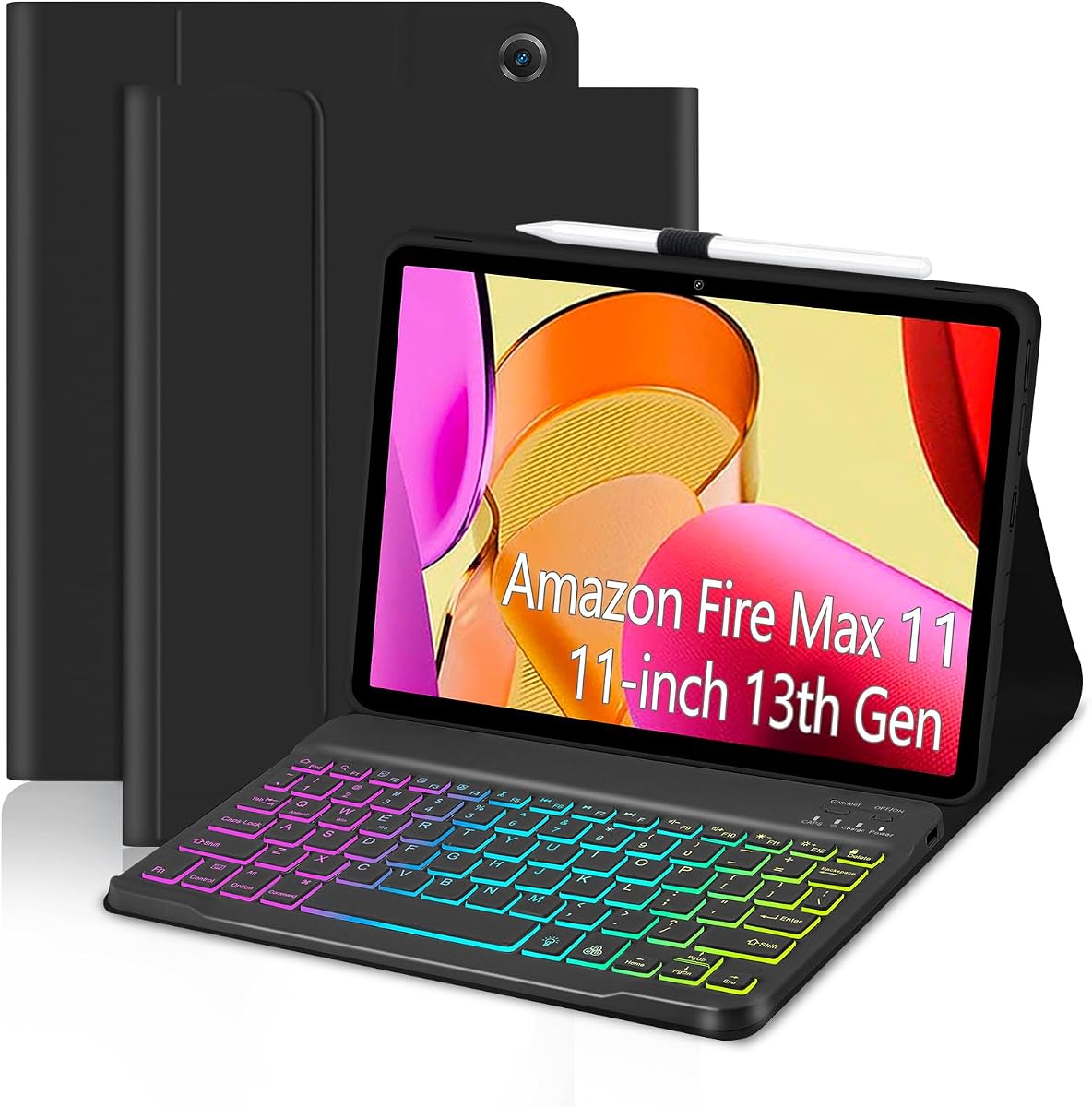
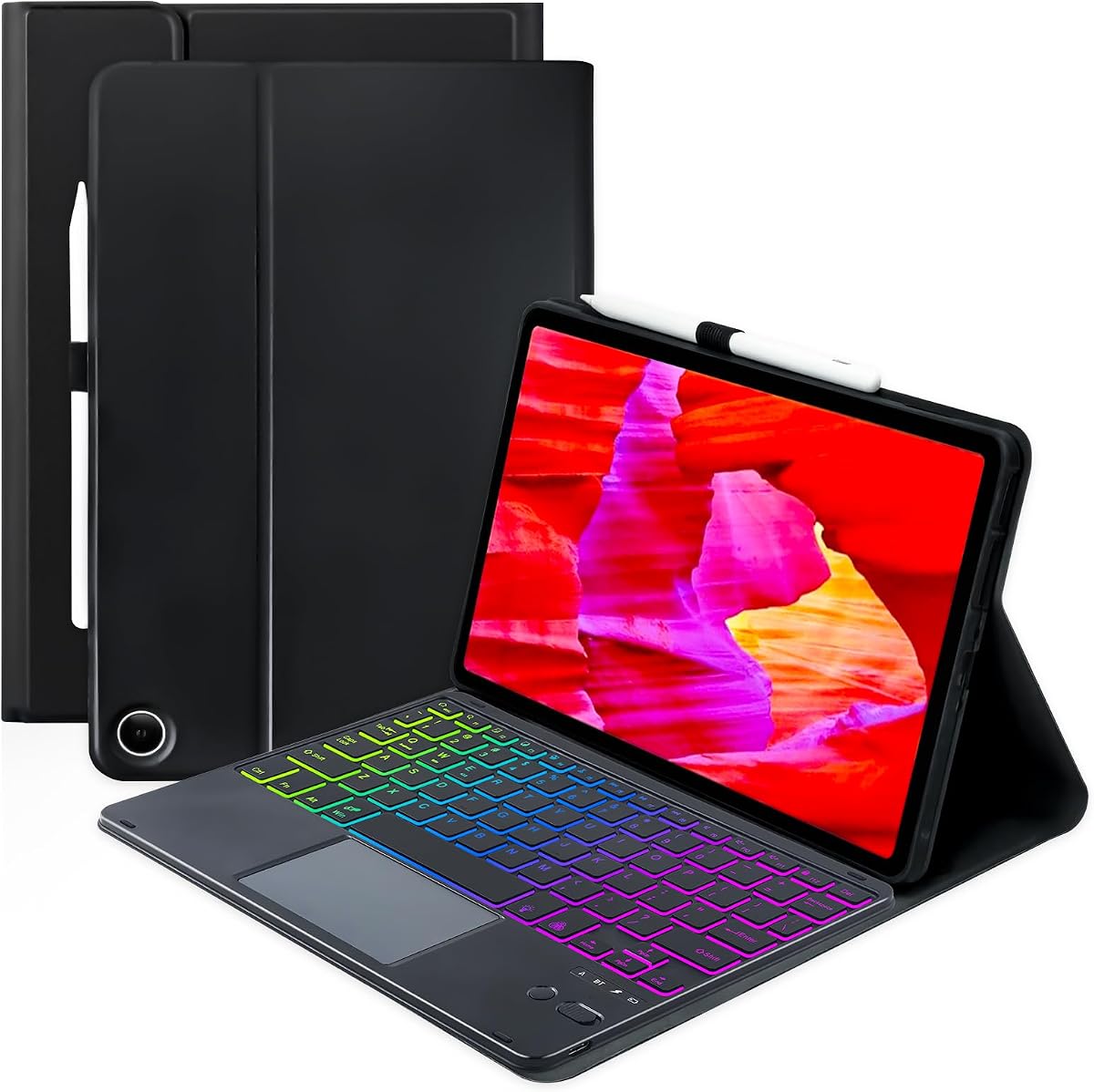


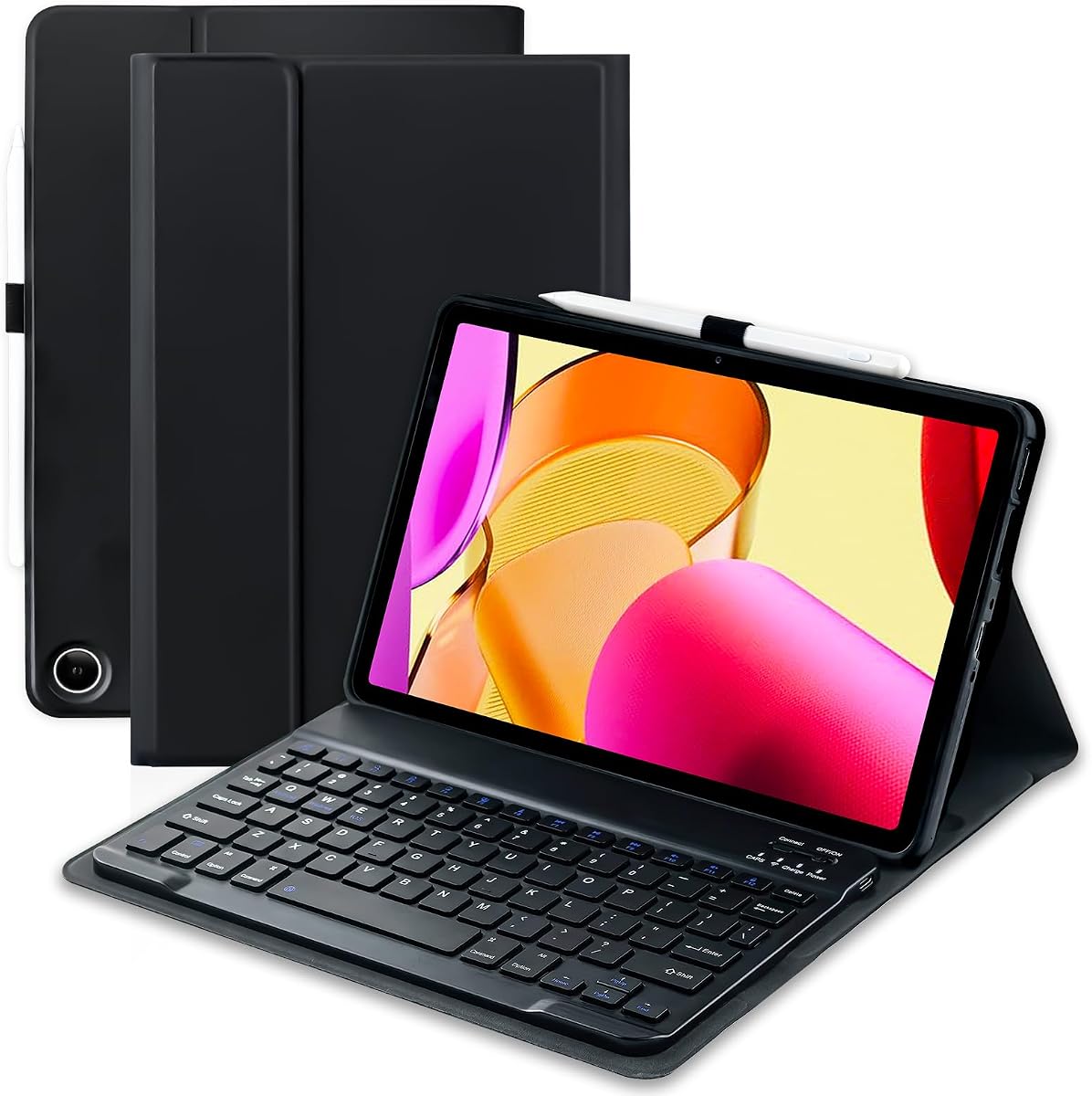


This keyboard case stands out as a premium solution offering a trackpad and seamless integration with the Fire Max 11 tablet for enhanced productivity without extra charging needs.
We may earn a commission when you buy through this link, at no additional cost to you.
The built-in trackpad allows for intuitive navigation similar to a laptop enabling pinch to zoom and scrolling gestures that streamline document viewing and web browsing significantly.
While it carries a higher cost it delivers professional ergonomics and sustainability features that justify the investment for users who need reliable long-term performance.
It is ideal for professionals or students who want a true laptop experience and value eco-friendly materials in their tech accessories for daily classroom or office use.
The integrated trackpad responds to multi-finger gestures enabling smooth scrolling and zooming without relying on touch screen navigation for precise control.
Made with recycled post-consumer plastics and recyclable packaging this case supports environmental goals while delivering solid protection and functionality.
We may earn a commission when you buy through this link, at no additional cost to you.
This budget friendly option provides excellent value with a rechargeable keyboard that lasts up to ninety hours and a versatile seven color backlight for night time typing.
We may earn a commission when you buy through this link, at no additional cost to you.
The detachable magnetic design allows you to use the case as a simple folio when typing is not needed giving flexibility for reading media or watching videos.
While it lacks a trackpad and premium materials it covers the essentials for typing and protection at a price point accessible to most tablet owners easily.
Students and casual users will appreciate the affordability and long battery life making it a practical choice for everyday tasks without breaking the budget.
A large 420mAh battery powers the keyboard for up to ninety hours of continuous use ensuring you rarely need to recharge during typical daily usage.
The seven color backlight allows you to select a hue that suits your mood or environment adding style while improving visibility in low light.
We may earn a commission when you buy through this link, at no additional cost to you.
As a premium offering this case delivers a complete laptop replacement experience with a high-performance trackpad and a generous Microsoft 365 trial for productivity.
We may earn a commission when you buy through this link, at no additional cost to you.
The responsive trackpad supports gestures like pinch to zoom and task switching which are crucial for efficient workflow and app navigation on the tablet interface.
The cost is significant but the included software trial and build quality offer substantial value for power users who demand reliable performance and professional features.
It is the perfect choice for professionals who need document editing tools and premium ergonomics to maximize efficiency and collaboration capabilities on the go.
Includes a three-month trial of Microsoft 365 enabling you to edit spreadsheets and documents professionally right out of the box.
The trackpad offers adjustable pointer speed and gesture support enabling fluid navigation comparable to a full laptop environment.
We may earn a commission when you buy through this link, at no additional cost to you.
The EAMPANG case impresses with a vibrant seven color rainbow backlight and a protective honeycomb inner shell that supports heat dissipation for better tablet performance.
We may earn a commission when you buy through this link, at no additional cost to you.
It features precise cutouts ensuring all ports and buttons remain accessible while the built-in pen holder keeps your stylus secure and ready for creative tasks.
The keyboard requires a Type-C charging connection which adds a cable step but the magnetic attachment keeps it stable during typing sessions effectively.
This case is best for creative users who value visual customization and need reliable protection and quick access to their pen for drawings.
The rainbow backlight cycles through seven colors or can be adjusted manually allowing you to personalize the look of your setup.
A honeycomb inner shell design improves airflow helping to keep the tablet cool during extended use for sustained performance.
We may earn a commission when you buy through this link, at no additional cost to you.
The MePadKey model offers a built-in touchpad and detachable keyboard making it a versatile tool for navigating apps without touching the screen frequently.
We may earn a commission when you buy through this link, at no additional cost to you.
The keyboard is rechargeable and can be removed for flexible positioning while the anti-slip grooves hold the tablet securely during typing.
Although ratings are slightly lower the combination of a touchpad and keyboard offers good value for users needing laptop-like controls at home or office.
It is a practical choice for general users who want navigation convenience and decent typing performance in a single accessory solution.
A built-in touchpad replaces the need for an external mouse enabling efficient navigation through web pages and documents.
Anti-slip grooves inside the case ensure the tablet stays in place preventing accidental movement during intense typing sessions.
We may earn a commission when you buy through this link, at no additional cost to you.
TUNKARMOR distinguishes itself by including a rechargeable Bluetooth mouse alongside the keyboard offering full pointing control for navigation without touching the screen.
We may earn a commission when you buy through this link, at no additional cost to you.
The case supports three viewing angles and a honeycomb pattern that cushions the tablet and aids in heat dissipation for better long term reliability.
The keyboard attaches magnetically and supports auto sleep wake to save battery life making it convenient for casual use and media consumption.
This model suits users who want comprehensive controls including a mouse without buying a separate accessory and value versatile viewing options.
A rechargeable Bluetooth mouse is included allowing full desktop-like navigation for productivity and gaming without extra purchases.
Three adjustable viewing angles allow you to find a comfortable position for reading or typing based on your environment.
We may earn a commission when you buy through this link, at no additional cost to you.
This case comes with both a keyboard and a Bluetooth mouse providing complete input options for tasks requiring precise cursor movement and navigation.
We may earn a commission when you buy through this link, at no additional cost to you.
The three zone rainbow backlight offers a stylish typing experience in the dark while the auto sleep wake function helps preserve battery life effectively.
The honeycomb grid pattern offers premium protection and heat management ensuring your device remains safe from drops and overheating during use.
It is a great fit for entertainment users who want a complete setup with both keyboard and mouse included for media browsing and work.
Includes both a keyboard and a Bluetooth mouse offering all the tools needed for efficient typing and cursor control.
The three zone rainbow backlight enhances the visual appeal and allows visibility in low light conditions.
We may earn a commission when you buy through this link, at no additional cost to you.
This model features a multi-function shortcut row for quick access to common tasks enhancing productivity without digging into on screen menus repeatedly.
We may earn a commission when you buy through this link, at no additional cost to you.
The honeycomb heat dissipation design and premium PU leather exterior provide reliable protection and comfort ensuring the tablet stays cool and safe.
The keyboard is rechargeable and charges via USB-C which is convenient but requires separate charging and planning to keep it ready.
Users seeking a reliable and practical solution with useful shortcuts will find this case offers balanced value and solid protection.
A dedicated row of function keys offers quick access to common commands like volume control and app switching.
The honeycomb interior cushions the device against drops and helps dissipate heat effectively during long sessions.
We may earn a commission when you buy through this link, at no additional cost to you.
This variant of the EAMPANG case offers a blue colorway with the same RGB rainbow backlight and slim soft shell design for a lightweight stylish feel.
We may earn a commission when you buy through this link, at no additional cost to you.
It includes a built-in pen slot for easy storage of your stylus and full 360 degree protection against accidental drops and scratches during travel.
The keyboard provides a typing experience in the dark thanks to the adjustable brightness settings which are useful for late night work sessions.
While ratings vary this model is a solid choice for those who prefer a colorful design and essential protection features at a competitive price.
Available in a distinct blue finish this case adds a splash of personality to your tablet setup.
The slim soft shell design keeps the overall weight low while still offering full coverage protection.
We may earn a commission when you buy through this link, at no additional cost to you.
This case features a premium vegan leather exterior and supports up to seventy hours of keyboard battery life making it a stylish and practical companion.
We may earn a commission when you buy through this link, at no additional cost to you.
The Bluetooth connection is stable and the auto sleep wake function helps conserve power when the device is not in use frequently.
It includes a stylus pen holder and four versatile viewing modes enabling you to switch between typing and reading modes effortlessly.
Users who value a high-end look and reliable battery performance will appreciate the combination of luxury materials and functional features.
Made from high quality vegan leather this case offers a soft tactile feel and elegant appearance for daily use.
The keyboard battery lasts up to seventy hours on a single charge reducing the frequency of recharging tasks.
We may earn a commission when you buy through this link, at no additional cost to you.
Selecting the right keyboard case involves balancing features like connectivity protection and comfort to match your specific usage patterns and preferences.
Always confirm that the case is designed for the 13th Generation Fire Max 11 released in 2023 as older models have different dimensions and ports.
Check the product details to ensure the manufacturer explicitly states support for your specific tablet model to avoid fit issues.
Consider whether you prefer a Bluetooth keyboard that requires separate charging or a pogo pin keyboard that draws power from the tablet.
Bluetooth offers more flexibility for positioning while pogo pin eliminates the need to charge the keyboard independently.
Some cases include a built-in trackpad which is essential if you need precise cursor control without relying on touch gestures.
If you often work with spreadsheets or documents a trackpad can significantly improve navigation efficiency compared to touch only input.
A backlit keyboard is useful if you type in low light environments allowing you to see keys clearly without external lighting.
Look for cases offering adjustable brightness or color options to match your visual preferences and reduce eye strain at night.
A good case should offer 360 degree protection and a secure internal design like a honeycomb pattern to protect against drops and heat.
Check for materials like PU leather and TPU inner shells that provide scratch resistance and impact absorption for durability.
If you use a stylus for drawing or note taking ensure the case includes a dedicated pen holder to keep your stylus secure and accessible.
A well placed pen slot prevents the stylus from getting lost and makes it easy to switch between typing and drawing tasks.
Multiple viewing angles are valuable for finding a comfortable position for reading typing or watching videos throughout the day.
Cases with adjustable grooves or magnetic stands let you switch between landscape and portrait orientations without extra accessories.
For Bluetooth models check the battery capacity and expected usage hours to ensure the keyboard lasts through your work or study sessions.
A keyboard that supports a full week of moderate use reduces the hassle of daily charging and ensures uninterrupted productivity.
To begin place your tablet in the case ensuring the edges align with the cutouts and the magnetic connection engages the keyboard properly.
If using a Bluetooth keyboard pair it with your tablet via the settings menu and charge it fully before first use to ensure optimal performance.
Keep the case clean by wiping it with a soft dry cloth and avoid exposing it to water or extreme temperatures to extend its lifespan.
No these cases are designed exclusively for the Fire Max 11 13th Generation released in 2023. Other Fire tablets have different sizes and port layouts so compatibility is not guaranteed. Always check the product details before purchasing.
It depends on the model. Some cases use a pogo pin connection that powers the keyboard from the tablet so no separate charging is needed. Others use Bluetooth and require a separate USB-C or micro-USB charging routine.
No none of the cases include a stylus pen. They only provide a built-in pen holder slot to store your stylus securely. You must purchase a compatible stylus separately for drawing or note taking.
Yes most models allow the keyboard to be detached from the case. This lets you use the tablet as a standalone folio for reading or media consumption without the added weight of the keyboard.
Battery life varies by model but typically ranges from fifty to ninety hours of continuous use. Some high capacity batteries can last several weeks on a single charge depending on your typing frequency.
Yes most cases include an auto sleep wake function that puts the tablet to sleep when the cover is closed and wakes it when opened. This helps conserve battery and protects your screen.
The ten options reviewed offer a range of features from budget-friendly backlit models to premium cases with integrated trackpads and sustainability features.
Prioritize connectivity and protection features that match your workflow such as a trackpad for navigation or a pen holder for creative tasks.
Remember that pricing and availability can change frequently so verify current stock and offers before making your final purchase decision.