
WINSINN 40mm 12V Fan
4.4Editor score
Hydraulic bearing
Affordable 5-pack
Low noise level
This guide compares the top 40mm cooling fans for servers, 3D printers, and electronics based on noise, airflow, and reliability to help you choose the right
Finding the right 40mm cooling fan is essential for maintaining optimal performance in compact electronic devices. Whether you are cooling a server rack, a 3D printer, or a network router, the right fan ensures longevity and stability.
We have evaluated ten top-rated models based on their build quality, noise levels, and airflow capabilities. This comparison helps you identify the best options for your specific cooling needs without wasting time on inferior products.
Each pick highlights key features and performance metrics to guide your decision. Please note that product availability and pricing may change over time, so verify current details before making a purchase decision today.
4.4Editor score
4.8Editor score

4.8Editor score
The following table provides a side-by-side overview of all ten models. It highlights their dimensions, voltage, bearing types, and primary use cases to help you compare specifications quickly.


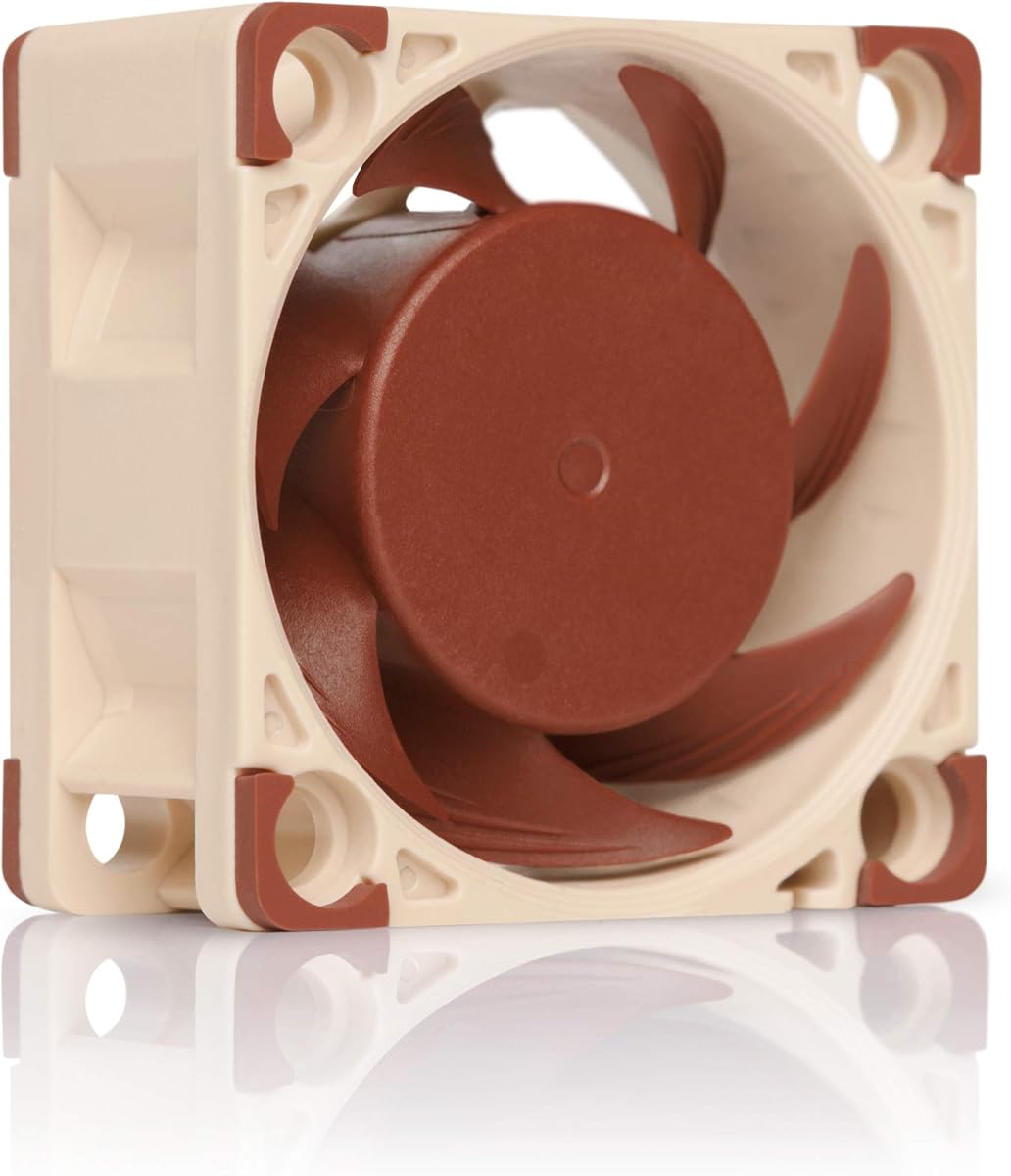
The Noctua NF-A4x20 PWM stands out as the top choice for users seeking silent yet powerful cooling. With a rating of 4.8, it excels in noise reduction while maintaining high airflow efficiency.
We may earn a commission when you buy through this link, at no additional cost to you.
Its Flow Acceleration Channels and Advanced Acoustic Optimisation frame deliver superior performance. The 4-pin PWM interface allows automatic speed control, making it ideal for 1U servers and NAS devices.
While the price is higher than budget options, the reliability justifies the cost. Users appreciate the included accessories like extension cables and adaptors that simplify installation.
Anyone needing quiet cooling for sensitive equipment should choose this model. It balances performance and acoustics better than most competitors on the market today.
The advanced frame design reduces turbulence and noise significantly compared to standard fans.
Includes all necessary screws, cables, and adaptors for versatile mounting options.
We may earn a commission when you buy through this link, at no additional cost to you.
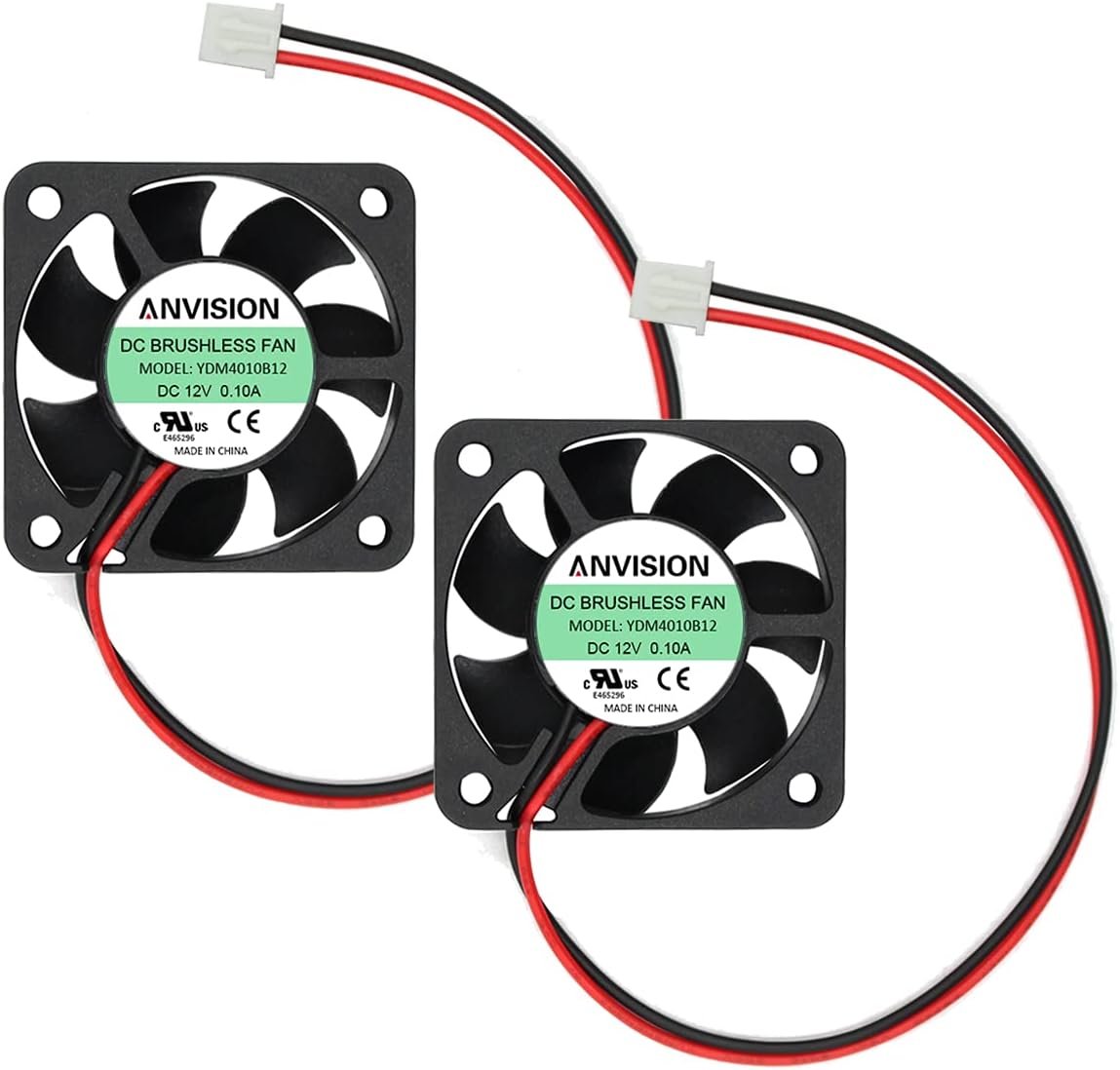
The ANVISION 2-Pack offers a cost-effective solution for multiple cooling needs. Rated at 4.5, it provides decent performance for general electronics and storage equipment.
We may earn a commission when you buy through this link, at no additional cost to you.
Running at 6200 RPM, these fans deliver strong airflow for their size. The dual ball bearing design ensures durability for continuous operation in routers or DVRs.
Noise levels are noticeable at 27.5 dBA, which may be too loud for quiet environments. However, the value of getting two fans makes it a practical choice.
Users replacing multiple broken fans in a rack will appreciate this pack. It is a solid budget option when silence is not the top priority.
The 6200 RPM motor ensures rapid heat dissipation for compact devices.
Dual ball bearings extend lifespan compared to basic sleeve bearings.
We may earn a commission when you buy through this link, at no additional cost to you.
This slim fan is perfect for tight spaces like 3D printers or routers. With a 4.8 rating, it delivers premium quality in a compact 10mm package.
We may earn a commission when you buy through this link, at no additional cost to you.
The FLX version allows users to adjust speed with Low-Noise Adaptors. This flexibility lets you choose between maximum airflow or near-silent operation.
The 3-pin connector might limit compatibility with some modern PWM headers. But the included OmniJoin adaptor helps solve this issue for many devices.
If you need a quiet replacement for a broken 40mm fan in a sensitive spot, this is a top pick. It brings Noctua reliability to tight 3D printer
.
Use included adaptors to tune performance for your specific application needs.
The 10mm depth fits where thicker fans simply cannot install easily.
We may earn a commission when you buy through this link, at no additional cost to you.
Designed specifically for RC cars, this fan handles extreme heat from brushless motors. Its 4.5 rating reflects its rugged build and high-performance specs.
We may earn a commission when you buy through this link, at no additional cost to you.
Reaching 16000 RPM, it provides intense cooling power. The metal casing ensures it withstands vibration and dust common in RC environments.
The included carbon fan cover adds safety for high-speed use. However, this fan is not meant for static electronics like servers.
RC hobbyists should consider this for 1/8 or 1/10 scale motors. It is a specialized tool that performs well within its specific application.
The 16000 RPM capability keeps motor temperatures low during intense runs.
Reverse polarity protection prevents damage if wires are connected incorrectly.
We may earn a commission when you buy through this link, at no additional cost to you.
This 24V fan is ideal for 3D printers like Ender 3. With a 4.7 rating, it replaces hotend cooling fans effectively and reliably.
We may earn a commission when you buy through this link, at no additional cost to you.
The hydraulic bearing ensures a long life of 40,000 hours. Noise stays low at 24.6 dBA, keeping your workspace quiet while printing.
Using a 2-pin JST connector makes it compatible with many printer boards. The included extension cables simplify routing in tight spots.
Users upgrading their printer cooling should look at this pack. It offers great value with solid specs for hobbyist manufacturing needs.
Specifically designed to replace common 24V fans in popular printer models.
The hydraulic bearing minimizes noise for a better printing experience.
We may earn a commission when you buy through this link, at no additional cost to you.
Getting five fans for one low price makes this a top budget pick. It earns a 4.4 rating due to its value and decent performance.
We may earn a commission when you buy through this link, at no additional cost to you.
The hydraulic bearing reduces noise to 26 dBA. It runs quietly enough for home electronics without needing constant maintenance.
While it lacks advanced PWM control, the fixed speed works for many cases. The XH2.54 connector is common in DIY projects.
If you need multiple replacements for cheap, this is the choice. It offers practical cooling for routers or PC cases without breaking the bank.
Five units allow you to cool multiple devices at once affordably.
CE and FCC certifications ensure the fan meets international safety standards.
We may earn a commission when you buy through this link, at no additional cost to you.
This model brings 24V power with Noctua quality. Rated at 4.6, it suits systems requiring higher voltage than standard 12V units.
We may earn a commission when you buy through this link, at no additional cost to you.
The 4-pin PWM interface allows precise speed control. It pairs with a special adaptor for 3D printers, making it versatile for hobbyists.
Build quality is top-tier with SSO2 bearings ensuring longevity. The slim 10mm profile helps it fit tight spaces easily.
Users needing 24V cooling for industrial or printer use should choose this. It combines performance with the quiet operation Noctua is known for.
PWM control allows the fan to adjust speed based on system heat.
Includes adaptors to fit common 24V printer headers like Ender 3.
We may earn a commission when you buy through this link, at no additional cost to you.
Another great Noctua option, this FLX version offers deep cooling. It has a 4.8 rating and delivers excellent silence with 14.9 dBA.
We may earn a commission when you buy through this link, at no additional cost to you.
The 20mm depth adds to airflow potential in tight spots. You can adjust speeds using Low-Noise Adaptors included in the package.
While expensive, the noise reduction is worth it for noise-sensitive setups. It works well for 1U servers where depth is available.
Select this if you need quiet performance without PWM. The included accessories make installation flexible for various device headers.
The low noise rating ensures it won't disturb your work environment.
Use the adaptors to slow the fan for near-silent air movement.
We may earn a commission when you buy through this link, at no additional cost to you.
The ARCTIC S4028 offers incredible speed and pressure. Rated at 4.6, it pushes high airflow that suits radiators or dense servers.
We may earn a commission when you buy through this link, at no additional cost to you.
Reaching 15000 RPM, it outperforms many peers in raw power. Dual ball bearings make it durable for long continuous operation.
The deep 28mm size limits where it fits compared to thinner fans. But if you need maximum cooling, this delivers effectively.
Choose this for tasks requiring high static pressure. It is a strong performer for hard enclosures or high-dust environments.
The design creates strong airflow to push through restrictive spaces.
PWM control allows slowing down for quiet idle speeds easily.
We may earn a commission when you buy through this link, at no additional cost to you.
This model is the definitive premium slim fan. It gets a 4.8 rating for its balance of quiet performance and speed control.
We may earn a commission when you buy through this link, at no additional cost to you.
The 4-pin PWM allows automatic speed adjustments via motherboard headers. It includes noise adaptors to help tune performance for your needs.
Build quality is excellent with long MTTF ratings. The advanced acoustic optimization ensures smooth air movement without noise.
If budget allows and you want top-tier control, pick this fan. It is ideal for users who value silence and reliability above all.
4-pin PWM ensures precise speed regulation based on system needs.
Noctua quality guarantees this fan runs smoothly for years without issues.
We may earn a commission when you buy through this link, at no additional cost to you.
Selecting the right 40mm fan depends on several factors. Understanding these helps you avoid compatibility issues and ensures optimal cooling for your device.
Check if your device requires 12V or 24V. Using the wrong voltage can damage the fan or cause it to fail.
Always match the voltage rating to your device power supply for safe operation.
Fans come in 10mm, 20mm, or 28mm depths. Ensure your case has enough space for the thickness.
Measure the available clearance before buying to avoid fit issues.
Connectors vary between 2-pin, 3-pin, and 4-pin. PWM fans need 4-pin headers for speed control.
Verify the connector type on your board to ensure it plugs in correctly.
Decibels (dB) measure noise output. Lower dB means quieter operation which is crucial for offices or homes.
Aim for fans under 25 dBA if noise is a major concern.
Different bearings like sleeve, fluid, or ball affect lifespan. Fluid bearings are quieter while ball bearings are more durable.
Choose bearings based on your usage environment and expected run time.
CFM measures airflow volume while static pressure pushes air through filters or radiators.
Higher static pressure is better for blocked vents while CFM is for open cases.
PWM fans allow automatic speed adjustments based on temperature. Voltage control offers manual speed changes.
Look for PWM compatibility if you want dynamic cooling performance.
Check the MTTF (Mean Time To Failure) rating. Higher numbers indicate longer expected lifespan.
Invest in fans with high MTTF for critical cooling tasks.
When installing, align the fan direction to blow air across the heat source. Ensure screws are tight but not over-tightened to avoid vibration.
Regular cleaning with compressed air keeps dust from clogging the blades. Dust buildup reduces efficiency and increases noise over time.
Check connections periodically to ensure cables are secure. Loose wires can cause intermittent cooling or fan failure.
The main difference is the voltage they require to operate. A 24V fan typically delivers higher power and airflow than a 12V one. Always check your power source voltage before purchasing to ensure compatibility and safety.
Yes, but you will lose PWM speed control features. The fan will run at full speed constantly. Some adaptors are available to convert pins but this may limit functionality.
Use a fan with a lower dB rating or add vibration mounts. Lowering the speed via software or adaptors also reduces noise significantly.
Yes, they are standard for 1U server racks and networking gear. Ensure the airflow direction matches your chassis design for optimal cooling.
MTTF stands for Mean Time To Failure. It estimates how long a fan will last. Higher MTTF ratings mean greater reliability for continuous cooling.
PWM is helpful for automatic cooling control based on load. It saves power and reduces noise. But standard DC fans work fine if your system doesn't support PWM.
We reviewed ten models from top brands like Noctua, WINSINN, and ARCTIC. Each offers unique strengths for different cooling needs and budgets.
Prioritize voltage and connector types first to ensure fit. Then compare noise levels to find a match for your environment.
Prices and stock change often. Please check current listings for the latest deals and specs before you buy today.