
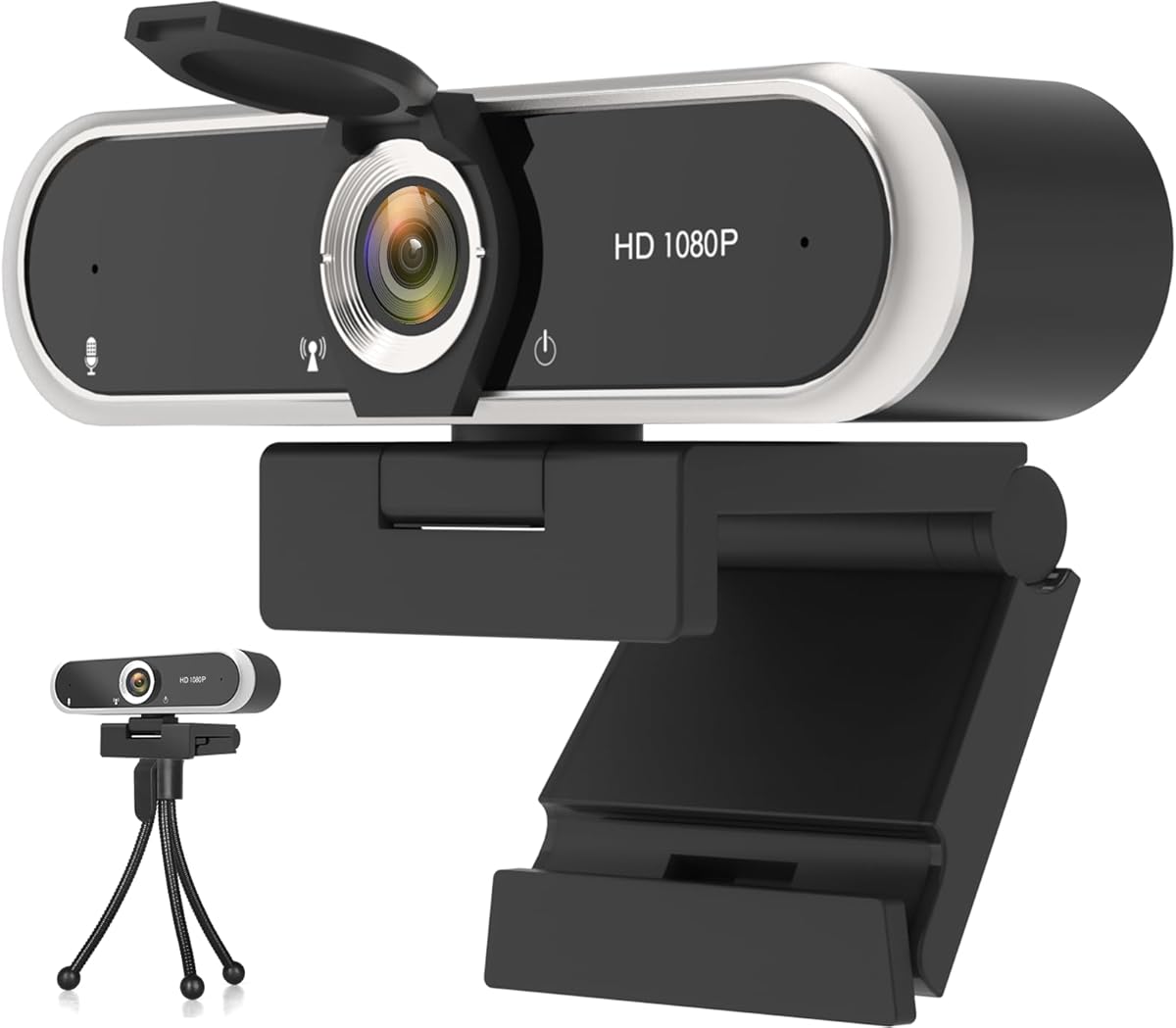
Webcam for PC HD 1080P USB Plug-and-Play Computer Web Camera
4.4Editor score
Full HD 1080P Video Quality
Plug-and-Play USB Connectivity
Noise Reduction Microphone Included
Discover the top 10 cheap webcams for streaming compared in October 2026 to find the best budget friendly camera for your live broadcast needs.
Streaming has become a vital way to connect with audiences online. Finding a reliable camera that does not break the bank is essential for new creators. A good webcam ensures clear video and crisp audio so your viewers stay engaged during every broadcast session.
We have compared ten budget friendly webcams based on video quality and microphone performance. Our analysis covers resolution options and privacy features that matter most to streamers. Each product offers unique strengths for different setups and streaming platforms without requiring expensive equipment.
Readers will find detailed breakdowns of what each camera excels at today. These guides highlight key features like autofocus and low light correction capabilities. Prices fluctuate frequently so check current listings before making your final purchase decision for your setup.
4.4Editor score

4.4Editor score

4.5Editor score
This side-by-side comparison reviews ten affordable webcams selected for streaming quality and reliability. We evaluate resolution clarity and connection stability to help you choose the right tool for your broadcast needs.





The Logitech Brio 101 is a reliable option for creators seeking crisp video without high costs. It earns our Editor's Choice due to its consistent performance and smart privacy design that builds trust with viewers.
We may earn a commission when you buy through this link, at no additional cost to you.
Its RightLight technology boosts brightness by up to 50% to reduce shadows in dimly lit rooms. The integrated privacy slide offers quick physical coverage so you control access to your video feed easily.
While the 1080p quality is sharp it lacks variable focus which may limit flexibility for larger rooms. The fixed focal length works well for desk setups but users need to sit at the right distance.
This webcam is ideal for streamers who value privacy and clear audio without complex software. Its durable build and eco-friendly materials make it a sustainable choice for daily streaming sessions.
The integrated privacy slide ensures your lens is physically covered when not in use.
RightLight technology automatically adjusts brightness so you remain visible in varying conditions.
We may earn a commission when you buy through this link, at no additional cost to you.
This webcam delivers exceptional value for new streamers needing a plug-and-play solution. It offers clear 1080p video at 30fps which is standard for most streaming platforms today.
We may earn a commission when you buy through this link, at no additional cost to you.
Its stable transmission chip ensures synchronized audio and video without dropped frames during live broadcasts. The automatic low-light adjustment restores vibrant colors even when ambient lighting is poor.
The lack of a privacy shutter means users must rely on software or physical covers for security. The build is functional but less premium than higher-priced alternatives found in this guide.
Perfect for budget-conscious creators or students it handles daily calls and streaming without drivers. Its wide compatibility with Windows and Mac makes it an accessible entry-level choice for many.
A stable transmission chip ensures smooth lag-free streaming synchronized audio and video.
Automatic adjustments restore vibrant colors to ensure clear images even without studio lighting.
We may earn a commission when you buy through this link, at no additional cost to you.
The EMEET S600 stands out with its 4K Sony sensor that delivers crisp lifelike imagery for pros. Its PDAF autofocus technology locks onto subjects quickly ensuring sharp focus during dynamic movements.
We may earn a commission when you buy through this link, at no additional cost to you.
Users can switch between 4K at 30FPS and 1080P at 60FPS depending on their bandwidth needs. The built-in privacy cover and rugged design add durability for long-term daily use in busy setups.
While the quality is superior it requires the EMEETLINK software to unlock full customization options. The price is higher than others but the sensor quality justifies the investment for serious content creators.
Ideal for streamers demanding top-tier visuals this webcam ensures every detail remains sharp. Its balanced light performance in dim settings makes it a strong contender for professional broadcasts.
A high-definition 4K Sony sensor delivers crisp clear images far exceeding typical webcam quality.
PDAF tech offers faster speed and higher precision for stable performance in various scenes.
We may earn a commission when you buy through this link, at no additional cost to you.
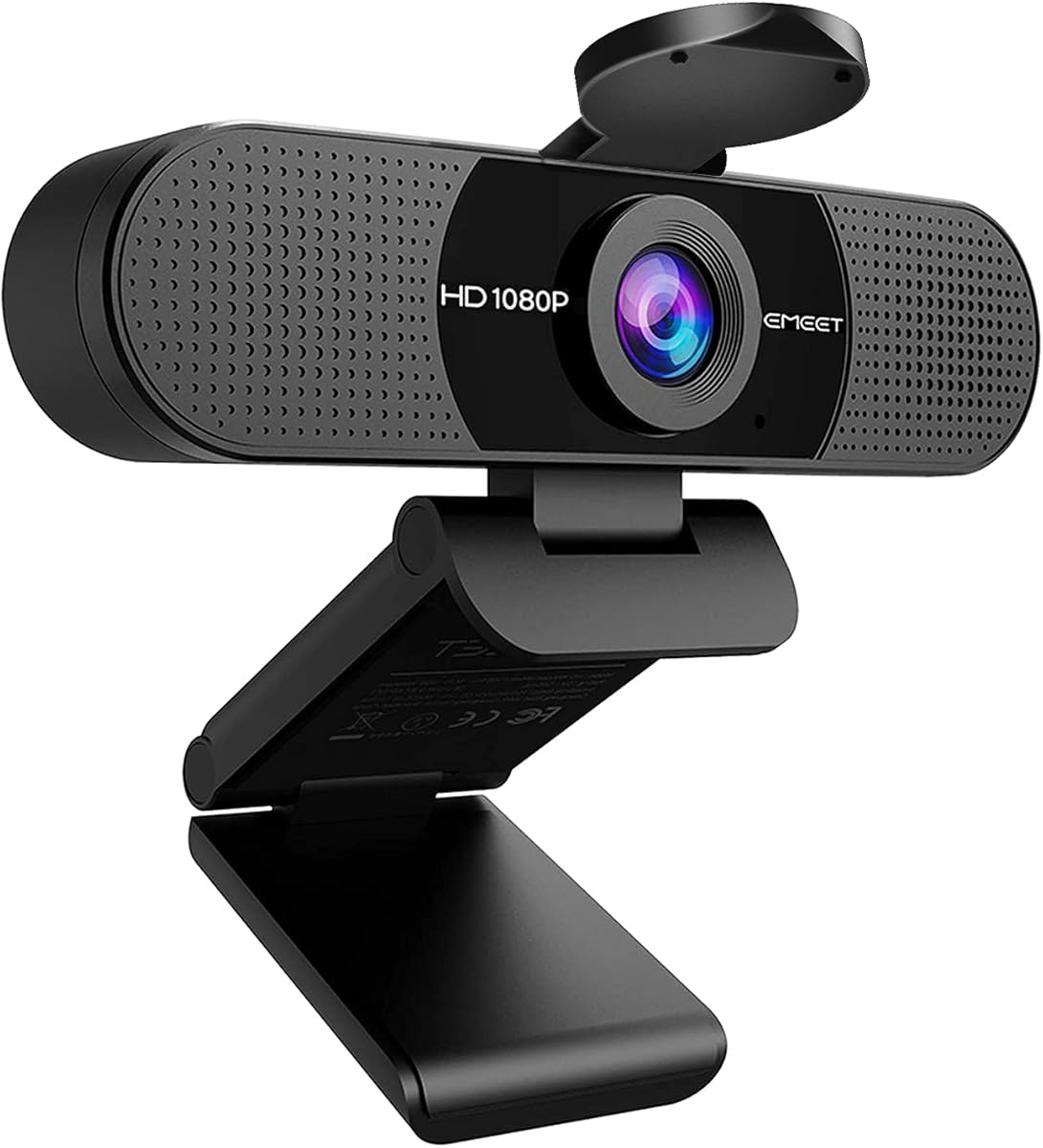
The EMEET C960 delivers realistic 1920×1080 video with smooth clarity for standard streaming needs. Its 5-layer anti-glare lens helps maintain visibility even when facing bright background lighting sources.
We may earn a commission when you buy through this link, at no additional cost to you.
Two omnidirectional microphones ensure your voice is captured clearly while filtering out ambient noise. The automatic exposure adjustment optimizes image performance so you look your best on any call.
It lacks built-in speakers which requires external headphones for full audio control. Incompatible with Windows Hello limits biometric login options for users relying on facial recognition security.
Great for home offices it balances audio and video quality effectively. The wide-angle lens captures more participants without needing frequent adjustments during group meetings.
Two built-in omnidirectional microphones pick up your voice to create clear audio for communication.
Automatic exposure adjustment is applied to deliver stable image performance in low light.
We may earn a commission when you buy through this link, at no additional cost to you.
This webcam provides sharp Full HD video at 30fps with enhanced dynamic range for clarity. It ensures your face remains clearly visible even in backlit conditions thanks to HDR support.
We may earn a commission when you buy through this link, at no additional cost to you.
A secure privacy cover physically blocks the lens when not in use keeping your environment private. The dual noise-reducing microphones filter background noise to ensure smooth conversations.
Fixed focus limits depth customization but works well for standard desk setups. The 360-degree rotating head allows flexible positioning without moving the camera base physically.
Recommended for home office users needing quick setup and privacy. Its compatibility with major platforms ensures smooth streaming across different apps without extra drivers.
Built-in privacy cover lets you physically block the lens with a simple slide.
Dual noise-reducing digital mics filter background noise for rich stereo sound.
We may earn a commission when you buy through this link, at no additional cost to you.
Powered by a 1080p CMOS sensor the NexiGo N60 produces exceptionally sharp videos for calls. Its glass lens provides a crisp image optimized for indoor distances from 20 inches to 13 feet.
We may earn a commission when you buy through this link, at no additional cost to you.
Built-in noise-canceling reduces ambient sounds to enhance voice clarity during recording sessions. The privacy cover protects the lens physically giving you peace of mind when not streaming.
It does not work with XBOX or PS4 consoles limiting gaming specific streaming options. The fixed focus range may require setup adjustments if you move frequently during broadcasts.
A solid choice for professionals needing broad software compatibility across OS options. Its plug-and-play simplicity means you start using it within minutes of connecting to your PC.
Powered by a 1080p FHD two-MP CMOS producing exceptionally sharp and clear videos.
Built-in noise-canceling microphone reduces ambient noise to enhance the sound quality.
We may earn a commission when you buy through this link, at no additional cost to you.
Experience crystal-clear 4K resolution that makes you look professional on every call. This webcam ensures you are always seen in the best light with sharp lifelike video quality.
We may earn a commission when you buy through this link, at no additional cost to you.
It features 180-degree tilt and 360-degree swivel rotation for perfect angle adjustments. A physical sliding lens cover blocks the camera securely when you need privacy at home.
While high resolution is excellent basic settings may limit creative control for advanced users. The included USB-C adapter ensures connection to modern laptops without needing extra dongles.
Perfect for users prioritizing raw image resolution over software customization. Its wide-angle lens captures more participants fitting everyone into the frame easily.
4K Ultra HD Video sees every detail with crystal-clear resolution that looks professional.
Adjust your view with 180-degree tilt and 360-degree swivel rotation easily.
We may earn a commission when you buy through this link, at no additional cost to you.
This classic model offers HD lighting adjustment and autofocus for bright razor-sharp images. It is a great webcam for streaming that automatically fine-tunes lighting in low-light settings.
We may earn a commission when you buy through this link, at no additional cost to you.
Dual mics capture natural sound during calls ensuring clarity without extra equipment. Full HD 1080p video calling at 30fps creates a strong impression with vibrant colors.
It lacks a privacy shutter requiring users to rely on software covers for security. The XSplit VCam license lets you remove or blur backgrounds without a physical green screen.
Ideal for legacy setups needing reliable performance. Its high rating reflects consistency and durability for daily professional video conferencing needs.
HD lighting adjustment and autofocus produce bright razor-sharp images even in low light.
XSplit VCam license lets you remove replace and blur your background easily.
We may earn a commission when you buy through this link, at no additional cost to you.
Delivers smooth 30fps video with sharp details ensuring meetings look professional every time. This model requires zero hassle installation as it works immediately upon connection.
We may earn a commission when you buy through this link, at no additional cost to you.
Advanced noise-canceling technology keeps your voice loud and clear in busy workspaces. It automatically adjusts brightness in low-light conditions to maintain consistent visibility.
The build is simple without extra settings which keeps costs low for budget buyers. It works right out of the box making it dependable for daily communication needs.
A great option for basic streaming where reliability matters more than features. Its stable video quality makes it suitable for family chats or professional teaching.
Plug and play in seconds with zero hassle requiring no drivers or software installation.
Automatically adjusts brightness in low-light conditions ensuring you look your best on camera.
We may earn a commission when you buy through this link, at no additional cost to you.
Features realistic 1920 x 1080p video with smooth performance for professional streaming. Two omnidirectional noise reduction mics create an excellent radio effect during calls.
We may earn a commission when you buy through this link, at no additional cost to you.
Automatic low-light correction technology allows the streaming webcam to capture images in dim light. The convenient foldable design makes it portable for taking anywhere on business trips.
Incompatible with Windows Hello limits biometric login capabilities for security-conscious users. Fixed focal length requires careful positioning to ensure sharp focus at a set distance.
Ideal for home offices needing strong audio and video balance. Its compatibility with major apps like Zoom and Teams ensures seamless integration with existing workflows.
Built-in 2 noise reduction mics filter out background noise to create clear voice.
Automatic low-light correction allows you to look your best even in harsh lighting.
We may earn a commission when you buy through this link, at no additional cost to you.
Choosing the right webcam involves balancing resolution audio and privacy. This guide outlines key factors to ensure you get reliable performance.
Video resolution defines the clarity and detail of your broadcast stream. For most streaming platforms 1080p is sufficient while 4K offers professional sharpness for high-end setups.
Clear audio is critical for viewer engagement and retention during live sessions. Look for noise-canceling features that filter background sounds to keep your voice crisp.
The field of view determines how much of your room appears on screen. A wider angle captures more space while a narrower angle focuses attention on your face.
Streaming often happens in dim home environments where lighting can be inconsistent. Cameras with auto-brightness or low-light correction maintain visibility without expensive ring lights.
Physical privacy shutters offer more security than software blocking options alone. A slide cover ensures your lens is truly off when not actively recording video feeds.
Verify your chosen camera works with major apps like Zoom and Twitch easily. Driverless plug-and-play setups save time and prevent technical hurdles before your broadcast starts.
A durable design ensures the camera withstands daily travel or repeated setup changes. Look for reinforced clips and flexible cables to avoid breakage during long-term use.
Always align the lens carefully with your eyes to frame yourself correctly during live sessions. Ensure your camera sits at eye level for a natural perspective that avoids unwanted angles.
Clean the lens regularly with a soft cloth to prevent dust from causing blurry video outputs. Keep firmware updated through official software to access performance improvements and new features.
Adjust lighting before you start streaming so your face is illuminated from the front. Use the privacy shutter when you are offline to protect your personal space and digital safety.
Yes many budget webcams offer sufficient video quality for streaming on platforms like Twitch. Look for 1080p resolution and stable frame rates to ensure viewers see clear video without glitches.
While 4K offers superior clarity it requires stronger internet and hardware to encode video properly. For most creators 1080p provides the best balance of quality and performance.
Prioritize microphones with noise-canceling to reduce background noise during broadcasts. Built-in mics can be convenient but external options may offer better clarity for professional shows.
Most modern webcams support plug-and-play on Windows and Mac without installing drivers. This simplifies setup but check compatibility notes for older operating systems before purchasing.
Streaming often occurs in home environments where lighting might be dim or inconsistent. Cameras with auto-adjustment ensure your face remains visible without requiring professional studio lighting.
Many affordable models now include physical privacy shutters for added security. Always check product details to confirm this feature before buying if privacy is a priority.
We have reviewed ten affordable options ranging from basic 1080p models to advanced 4K cameras. Each picks offers unique strengths suitable for different needs and budget levels today.
Prioritize resolution and audio clarity when selecting a camera for consistent broadcast quality. Privacy features and low-light capabilities are also vital for professional and reliable streams.
Prices fluctuate so check current listings to find the best deal for your needs. Investing in the right webcam ensures your content looks sharp and keeps viewers engaged during every session.